W5500 module setup
Connect SPI, chip select, required IRQ, ground and optional reset before opening Ethernet mode.
ESP32-S3 Ethernet and W5500 debugging
ESP32 Bit Pirate turns a compatible ESP32-S3 board plus a W5500 module into an Ethernet debugging workbench. Use it to wire SPI plus IRQ, get DHCP, check link status, ping hosts, test HTTP, scan ports, open TCP sessions and debug Modbus TCP.
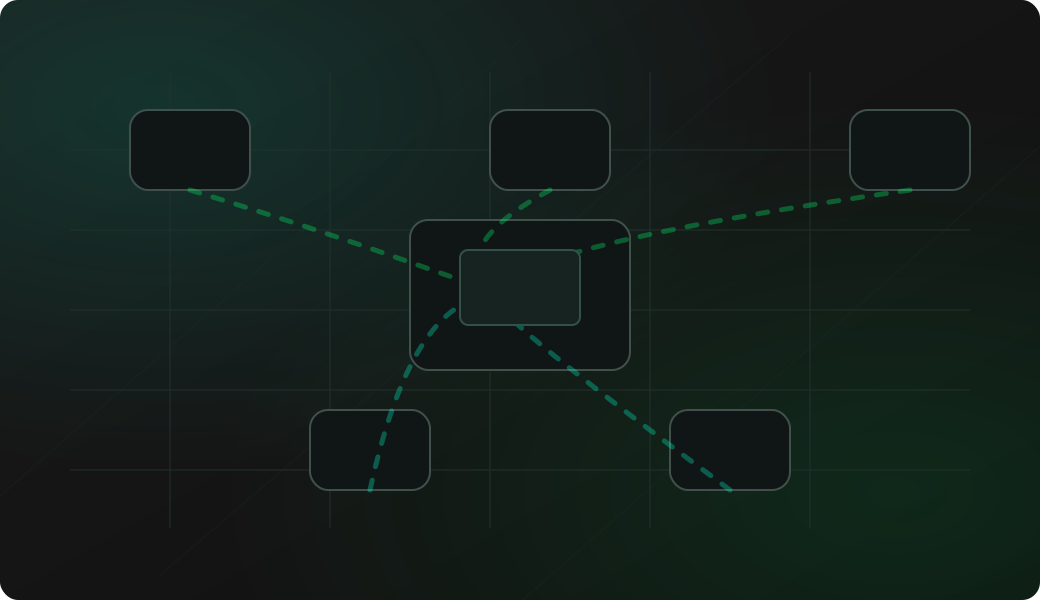
Start with the W5500 hardware path, then prove DHCP and link status before testing application services.
Wire CS, SCK, MISO, MOSI, IRQ, ground and optional reset for the W5500 module.
Connect the Ethernet cable to an authorized LAN with DHCP or a known network configuration.
Enter Ethernet mode and run configuration so the firmware knows the selected SPI and IRQ pins.
Check status, ping a known host and compare results with Wi-Fi only when needed.
Move into HTTP, port scan, raw TCP or Modbus TCP workflows after basic reachability is proven.
mode ethernet
config
connect
status
ping 192.168.1.1
discovery 3000
nmap 192.168.1.10 -p 80,502
http get http://192.168.1.10/status
Example CLI flow. See the Ethernet wiki for exact syntax, W5500 setup prompts, DHCP behavior and firmware-specific options.
Use this overview to choose the right W5500 or wired network workflow before opening a detailed recipe.
Connect SPI, chip select, required IRQ, ground and optional reset before opening Ethernet mode.
Check whether the module has link, DHCP, gateway and DNS before testing higher-level services.
Ping known local targets so routing and basic LAN connectivity are proven first.
Use a wired path to test known IoT HTTP endpoints when Wi-Fi behavior is uncertain.
Check selected TCP or UDP ports on hosts you own or are explicitly allowed to test.
Open nc, telnet or Modbus TCP sessions after link, IP and ports are confirmed.
These checks keep the workflow practical without repeating the detailed recipe pages.
Check SCK, MISO, MOSI and chip select before assuming DHCP or Ethernet mode is broken.
The W5500 interrupt signal is required by the firmware setup. Map IRQ to an available input GPIO; reset remains optional.
Use a stable module supply and a real Ethernet cable before debugging link status.
DHCP, firewall rules, VLANs and client isolation can all change what the ESP32 can reach.
Run discovery, port checks and TCP tests only on networks and hosts you own or are allowed to test.
These pages are the task-level W5500 and wired network workflows. This overview keeps the protocol-level guidance here, while each recipe covers setup, commands and troubleshooting in detail.
This page is a protocol overview. Use the site index for the full web experience, or GitHub for source code, firmware documentation and the Ethernet command reference.
Flash a supported ESP32-S3 board before testing Ethernet mode from the browser.
Open Web FlasherOpen the maintained firmware wiki for W5500 setup, connect/status, ping, discovery, HTTP, nmap and TCP workflows.
Open Ethernet command referenceW5500 uses SPI plus extra control signals, so SPI wiring checks are useful before debugging network behavior.
Open SPI debugging guideCompare wired Ethernet with Wi-Fi when you need to separate radio instability from network service behavior.
Open Wi-Fi debugging guideOpen Web Serial for Ethernet commands after the matching firmware is running.
Open Web Serial Terminal for ESP32 Bit PirateBrowse recipes that connect Ethernet work to wiring, commands, captures and troubleshooting.
Browse all hardware debugging recipesCheck firmware source, issues and releases that affect Ethernet support.
Open GitHub repositoryShort answers for common questions before moving into a detailed workflow.
Yes. Ethernet mode works with a W5500 module connected through SPI plus the required chip-select, interrupt and optional reset signals.
Yes. Ethernet mode can check link status, get an IP address through DHCP, display status, ping hosts and discover local devices on an authorized LAN.
Yes. After the W5500 link is connected, the same network workflows can test authorized HTTP endpoints, port checks, raw TCP sessions and Modbus TCP services.