Beginner
Scan an unknown I2C device
A quick address scan before you lose an hour chasing the wrong example code.
- Any CLI
- 5 min
Learn ESP32 Bit Pirate by doing real tasks. These short recipes act like practical documentation: start from zero, connect safely, run useful commands, then grow into UART, I2C, SPI, GPIO, flash, IR, LoRa, SubGHz, USB, network and debug workflows.
Beginner
A quick address scan before you lose an hour chasing the wrong example code.
Beginner
Turn an ACK address into a safer identification workflow before reading registers.
Beginner
Make a clean backup before a repair attempt, with the browser as the workbench.
Beginner
Tap RX and ground first, then let the boot logs tell you what is really happening.
Beginner
Read the ROM code from a tag without writing a throwaway sketch.
Beginner
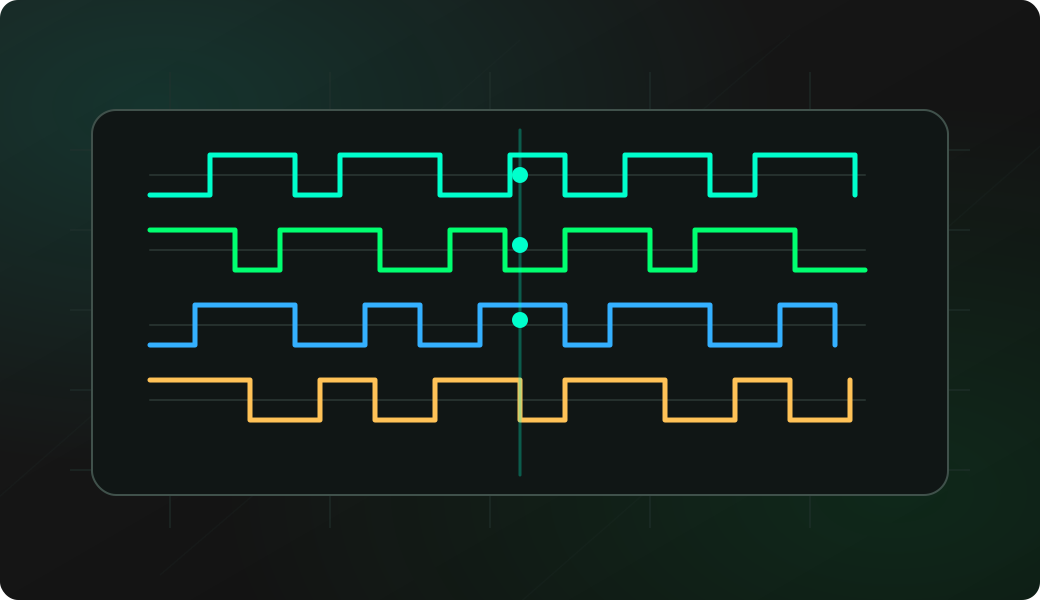
Turn a suspicious pin into a waveform you can measure and share.
Beginner
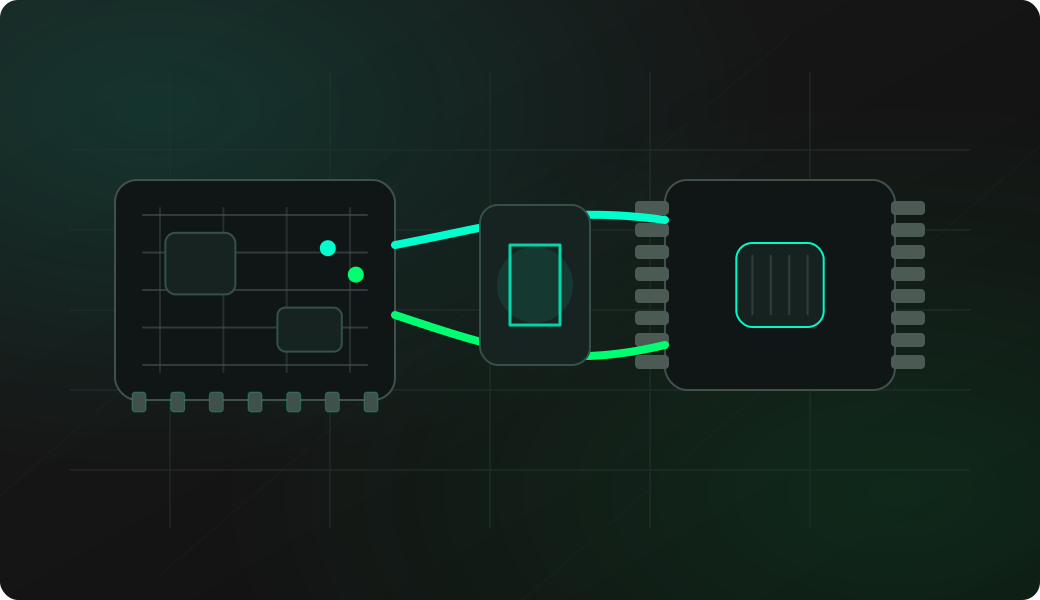
Probe the chip first, then dump it through the dedicated EEPROM shell instead of guessing register reads.
Beginner
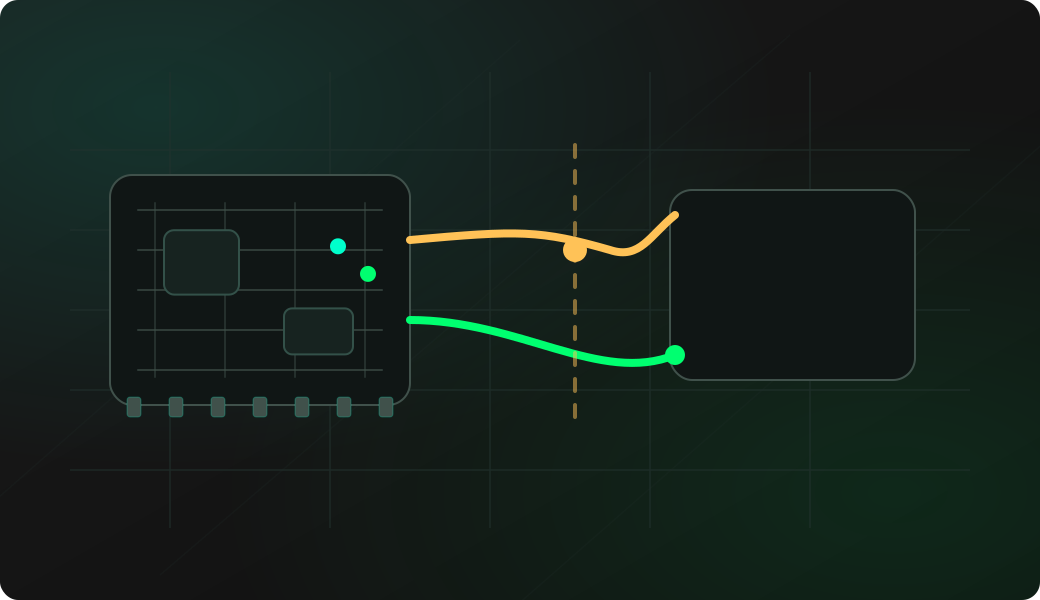
Before rewiring everything, clock the bus and send a stop condition to release a stuck target.
Beginner
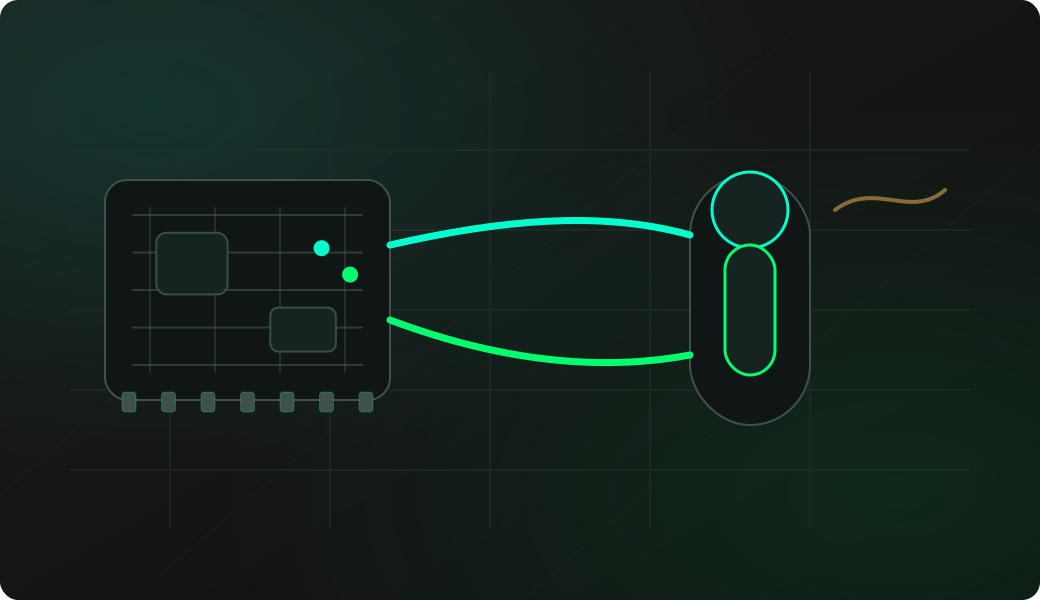
Confirm the sensor ROM first, then let the firmware decode the temperature value.
Intermediate
Use the EEPROM shell instead of raw 1-Wire instructions when you need a reliable backup.
Beginner
Check if a pin is alive and roughly how fast it toggles before opening a full logic capture.
Beginner
Generate a quick test signal from the bench without writing a sketch.
Beginner
Point the remote, capture the protocol/data, then decide if you need to record or replay it.
Intermediate
Use saved .ir files as reusable remote profiles instead of manually entering every command.
Beginner
Test HID behavior directly from the firmware without writing a TinyUSB example.
Intermediate
Move files through the board without removing the SD card when the hardware supports it.
Beginner
Check files from the bench without moving the card or adding a temporary sketch.
Intermediate
Probe first, then use analyze/search/strings before deciding what to dump or modify.

Beginner
Use the board as a small network probe after it connects to your own Wi-Fi.
Intermediate
Configure bitrate and verify controller status before trusting captured CAN frames.
Beginner
Find the baud rate before you waste time guessing terminal settings.
Beginner
Turn the board into a quick serial console adapter after the passive checks are done.
Intermediate
Stage the file on SD, then use XMODEM only when the target expects it.
Beginner
List nearby devices and addresses before attempting any connection.
Intermediate
Test HID behavior without writing a BLEHIDDevice sketch.
Intermediate
Discover the active frequency before trying to decode a frame.
Intermediate
Capture the frame shape and encoding hints before deciding whether any replay workflow is appropriate.
Beginner
Connect SPI, RESET, BUSY and DIO1, then confirm that the radio probe reaches the ready state.
Beginner
Build a known modem profile, verify every setting and estimate packet airtime.
Intermediate
Use RSSI and CAD first, then decode a packet and inspect its signal metrics and payload.
Intermediate
Estimate airtime, send one controlled payload and verify it on an authorized receiver.
Intermediate
Find RSSI peaks in a narrow range and inspect them with the on-device waterfall.
Intermediate
Save profile, signal metrics and payload to LittleFS, then transmit the validated file once.
Intermediate
Use channel activity as a clue before trying any payload receive workflow.

Beginner
Identify a tag family and UID before attempting any write or clone workflow.
Intermediate
Use sweep and trace to inspect the band before considering any broadcast experiment.
Intermediate
Check modem/SIM/network state before trying SMS, calls or USSD.
Advanced
Reduce blind probing by scanning a controlled set of candidate pins.
Advanced
Let the firmware test permutations instead of manually trying every JTAG wire order.
Advanced
Switch to adapter mode only after wiring and target voltage are confirmed.
Intermediate
Use one shared TX/RX GPIO when the target console is half-duplex instead of normal UART.
Intermediate
Probe ATR and security memory before any write or PSC operation.
Intermediate
Select the right chip model and ORG setting before trusting a 3WIRE EEPROM dump.
Beginner
Verify audio wiring with built-in tests before writing a custom sketch.
Intermediate
Use a wired network path to separate Wi-Fi problems from LAN or application problems.
Beginner
Verify LED power, data direction, protocol and color order before writing animation code.
Intermediate
Confirm the expansion module handshake before using the bridged shell.
Advanced
Send one known standard CAN frame after status confirms the adapter is healthy.
Beginner
Read a documented ID or status register to confirm the device behaves like the expected part.
Intermediate
Test the actual web endpoint, not just ping reachability.
Beginner
Open the CLI from a browser before installing a desktop terminal.

Intermediate
Use compact bracket sequences when a full driver would be overkill.

Beginner
Read manufacturer/device bytes before a full flash dump or write.
Intermediate
Use the dedicated SPI EEPROM shell instead of guessing raw reads.
Intermediate
Use ESP32 Bit Pirate as the Bus Pirate-style adapter AVRDUDE already understands.
Advanced
Write only after probe and backup; let Flashrom verify the image.
Intermediate
Dump descriptors before writing USB host code.
Intermediate
Use mature LIRC tools when you want raw IR timing capture from the desktop.
Beginner
Generate a quick trigger pulse without writing a sketch.
Beginner
Find out if a pin is alive before committing to a full capture.
Intermediate
Use Modbus mode only on systems you own or are explicitly allowed to test.
Intermediate
Check the service itself, not just network reachability.
Intermediate
Check only the ports you need, on systems you are allowed to test.
Beginner
Check exposed GPIOs before assigning protocol pins.
Beginner
Turn repeated bench steps into a shorter command flow.
Advanced
Drive CC1101 from scripts when the normal interactive UI is not enough.
Beginner
Check SIM status before chasing network or SMS problems.
Beginner
Use CELL mode to check cellular registration, signal information and available operators from a GSM/LTE modem.
Intermediate
Use CELL mode to send USSD codes from a cellular modem after SIM and network registration checks.
Beginner
Use CELL mode to display contacts stored on a SIM card through a cellular modem phonebook command.
Intermediate
Use CELL mode sms operations to send a message from a GSM/LTE modem after SIM and network checks.
Beginner
Use UART mode at helper to send guided AT commands to modems and serial modules.
Intermediate
Use UART emulator mode to test how another board behaves when a serial peripheral sends expected data.
Intermediate
Use UART trigger to send a predefined response when a byte pattern is detected.
Intermediate
Use I2C monitor or trace to watch changing registers on a target device over time.
Intermediate
Use the I2C health command to check timing and stability of a target device.
Advanced
Use I2C slave mode to listen as a target address and log master operations.
Intermediate
Use RFID mode with a PN532 module to write lab data to an NTAG or Ultralight page.
Intermediate
Use RFID erase flow with PN532 for lab tags where wiping user data is expected.
Intermediate
Use INFRARED record to capture remote frames and save them to LittleFS in Flipper-style .ir format.
Beginner
Launch the INFRARED remote shell to send common keys such as power, volume and mute across known protocols.
Beginner
Use CC1101 SubGHz sweep to find active frequency areas before receiving or decoding frames.
Intermediate
Use SubGHz record to capture symbols from a CC1101 receiver and save them to LittleFS.
Advanced
Upload a .sub file to LittleFS and load it from SubGHz mode for CC1101 playback tests.
Beginner
Use Wi-Fi hotspot mode to access the browser CLI without an existing router or saved credentials.
Beginner
Get to a working prompt before debugging the target hardware.
Beginner
Use direct mode selection instead of scrolling through menus every time.
Beginner
Find the command vocabulary from the firmware itself.
Beginner
Check firmware and memory state before blaming the target device.
Beginner
Turn long bench commands into short repeatable actions.
Beginner
Repeat a simple check without writing a script.
Intermediate
Build tiny scripts from the prompt without a host-side Python file.
Beginner
Use wizard as the first safe question before selecting a protocol mode.
Beginner
Use mode-aware pull-ups instead of guessing which input needs help.
Beginner
Get a quick visual signal check without opening PulseView.
Beginner
Check whether a sensor output changes before writing ADC code.
Intermediate
Use your ears as a quick activity detector for repetitive signals.
Beginner
Move .ir, .sub and other small workflow files without a separate filesystem tool.
Beginner
Run a small Python workflow in the browser before installing or maintaining a local Python setup.
Beginner
Turn the familiar I2C scan into a browser Python workflow you can edit, save and repeat.
Intermediate
Move from manual commands to repeatable host-side tests.
Beginner
Start RF24 work by saving a known-good pin and channel configuration.
Intermediate
Verify a 2.4 GHz lab link with a tiny controlled payload.
Intermediate
Turn the firmware into a quick RF24 payload receiver for lab tests.
Beginner
Choose quieter RF24 channels before transmit/receive tests.
Beginner
Create a safe LED baseline before testing animations or individual pixels.
Beginner
Verify LED order and indexing without animating the whole strip.
Beginner
Verify I2S output with a known tone before playing or debugging audio data.
Intermediate
Confirm I2S microphone wiring before writing custom audio code.
Intermediate
Talk to simple single-wire UART devices from the CLI.
Advanced
Build controlled request/response tests on a shared UART line.
Intermediate
Identify the card and ATR before dump, write or security actions.
Intermediate
Check retry counter and protection status before risky smartcard actions.
Advanced
Practice controlled Microwire EEPROM writes after a backup.
Advanced
Practice destructive Microwire erase only on replaceable chips.
Intermediate
Focus CAN logging on one identifier instead of reading every frame.
Beginner
Check controller errors before blaming the target bus.
Beginner
Check one FM frequency before experimenting with broadcast operations.
Intermediate
Validate BLE HID keyboard mode with a short controlled text send.
Intermediate
Test BLE HID mouse mode without writing a custom HID sketch.
Intermediate
Use 1-Wire sniff mode to observe reset, presence and bit timing on a Dallas-style single-wire bus.
Intermediate
Open the 1-Wire iButton shell to read a Dallas key ID and write it to a compatible RW1990 test key.
Intermediate
Use the documented 1-Wire write sp command to send an eight-byte scratchpad pattern to a supported lab device.
Beginner
Use UART spam to send a repeated text or newline pattern at a fixed interval while testing serial devices.
Beginner
Use UART raw mode to view serial traffic as hexadecimal bytes instead of printable ASCII.
Beginner
Use UART ping to send predefined probes and detect whether an unknown serial target answers.
Beginner
Use USB gamepad mode to send a single HID button press such as A, B or LEFT to a connected host.
Intermediate
Use the USB sysctrl command to emulate hardware control button actions on a connected host.
Intermediate
Use the USB adapters menu to reboot ESP32 Bit Pirate into flashrom, AVRDUDE, SUMP, OpenOCD, IR Toy or SubGHz tool modes.
Beginner
Use an ESP32 as a practical USB-to-serial adapter when desktop tools need a CDC serial port.
Intermediate
Use JTAG config to select which GPIOs are included in SWD or JTAG pinout brute-force scans.
Intermediate
Use Wi-Fi sniff mode to cycle channels and display nearby 2.
Beginner
Use Wi-Fi lookup mac to query vendor details for a MAC address while documenting devices on a bench network.
Beginner
Use Wi-Fi lookup ip to get basic public IP or hostname details while checking network targets from the CLI.
Beginner
Use Wi-Fi AP mode to create an access point from the firmware and optionally keep station fallback when credentials exist.
Intermediate
Use Wi-Fi http analyze to run a URL analysis workflow from the firmware CLI after connecting to Wi-Fi.
Advanced
Use the RFID clone flow with a PN532 to copy a source UID to a compatible magic MIFARE Classic lab card.
Beginner
Confirm voltage, shared ground and GPIO direction before connecting an unknown digital target.
Beginner
Connect SPI plus GDO0, then configure the selected board pins from the SubGHz shell.
Beginner
Connect SPI plus CE and CSN, then configure the selected board pins from RF24 mode.
Beginner
Connect I2C and reset, then configure the selected board pins from FM mode.
Beginner
Set the PN532 to I2C mode, connect SDA/SCL, then initialize it from RFID config.
Intermediate
Connect SPI, CS and IRQ, then configure Ethernet mode for the selected board pins.
Intermediate
Connect SPI and CAN bus roles before configuring CAN mode.
Try a broader search, or share a short note if you already solved this target or workflow.
Solved a real hardware problem with ESP32 Bit Pirate? Share the wiring, command and result so others can learn the same workflow by practice.
Practical entry points for learning the firmware feature by feature, while keeping the full Wiki as the reference.