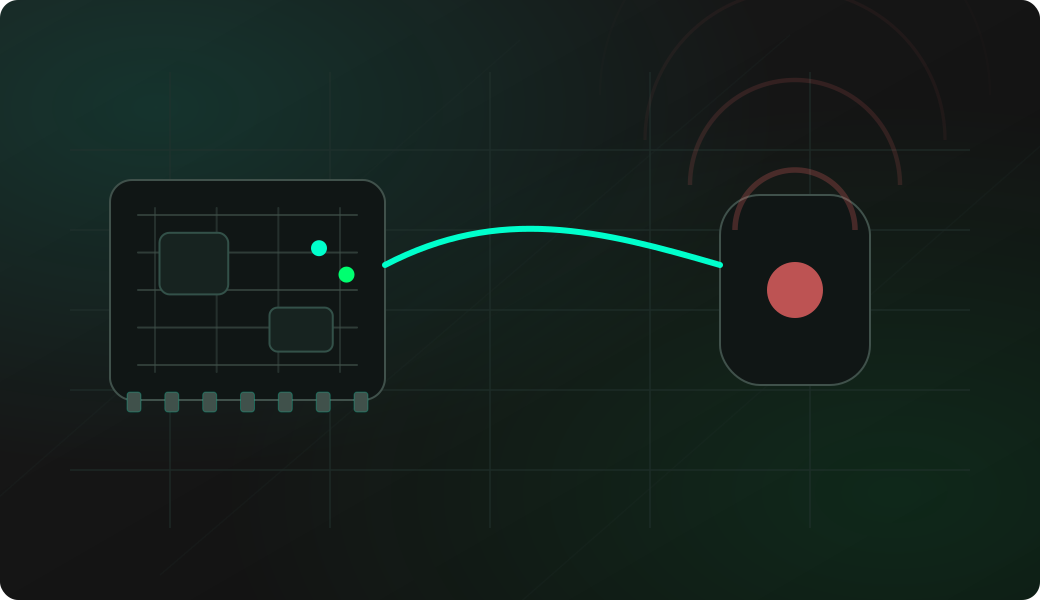
Wiring View
Commands
Run the typed commands first. If the command opens an interactive shell, select the named action from the shell menu instead of treating it as another CLI command.
Result
What success looks like
If decode works, use the protocol and command values directly. If decode is unreliable, use raw capture to inspect the received timing data instead of assuming a decoded protocol.
Troubleshooting
- Using an IR LED instead of a receiver for capture.
- Wiring receiver OUT to the TX pin instead of RX.
- Testing in strong sunlight or noisy IR environments.
- Expecting every remote to decode into the same fields.
Infrared capture FAQ
Do I need an IR receiver or an IR LED to capture a remote?
Use an IR receiver module for capture. An IR LED is for transmit or replay. For the receiver, wire OUT to the configured RX GPIO, use the correct supply, and share ground with the ESP32 Bit Pirate.
Why does decode fail but raw capture still shows pulses?
The remote may use an unsupported protocol, unusual timings, repeat frames, or a noisy reception path. Raw capture is still useful because it preserves timing for comparison or later analysis.
How do I make an infrared capture more reliable?
Reduce sunlight and reflective glare, aim the remote at the receiver, keep the range moderate, and capture the same button several times. Stable repeated timing is more useful than one lucky decode.