Commands
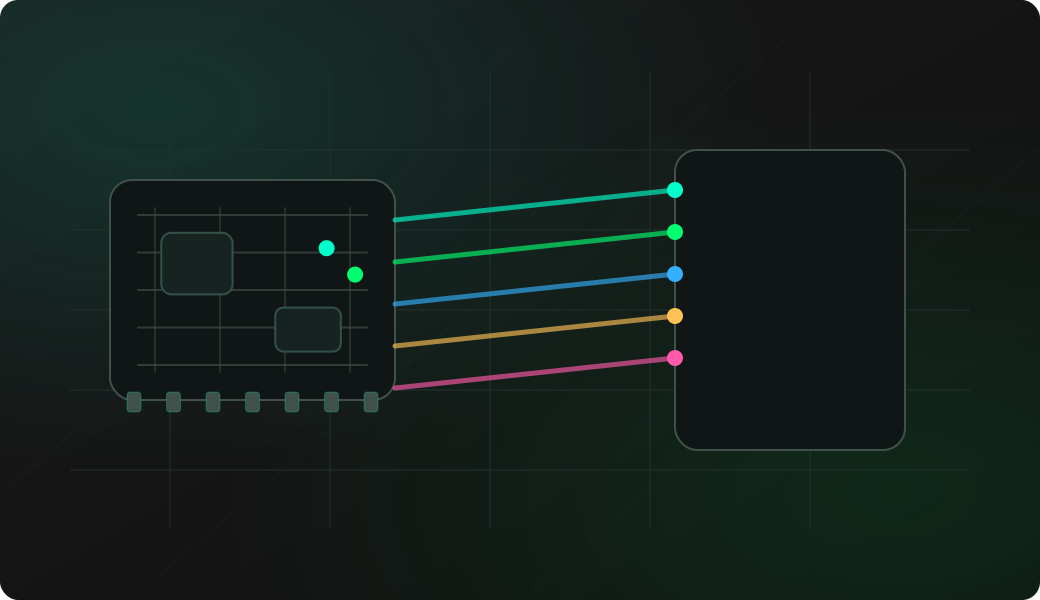
Keep the default group when it already matches the board. Run config only to review or change it, then start the appropriate scan.
Result
What it means
The scan uses its saved GPIO group; it does not try every GPIO automatically. Adjust the group only when the default does not fit the board or target.
Troubleshooting
- Re-enter the selected mode setup if pins changed.
- Confirm the target shares ground with the ESP32 Bit Pirate.
- Start with short commands before using longer capture or bridge sessions.
JTAG and SWD scan pin group FAQ
Why configure a candidate pin group?
Scanning every possible GPIO is slow and noisy. A smaller group based on visible pads or a header makes SWD and JTAG scans faster and easier to repeat.
Should I include power pins in the scan group?
No. Only include candidate signal pads connected to safe GPIO inputs. Keep VREF as a voltage reference check and always share ground with the target.
When should I rerun config?
Rerun config when you move wires, change boards, reduce the candidate set, or switch from broad discovery to a smaller verification scan.