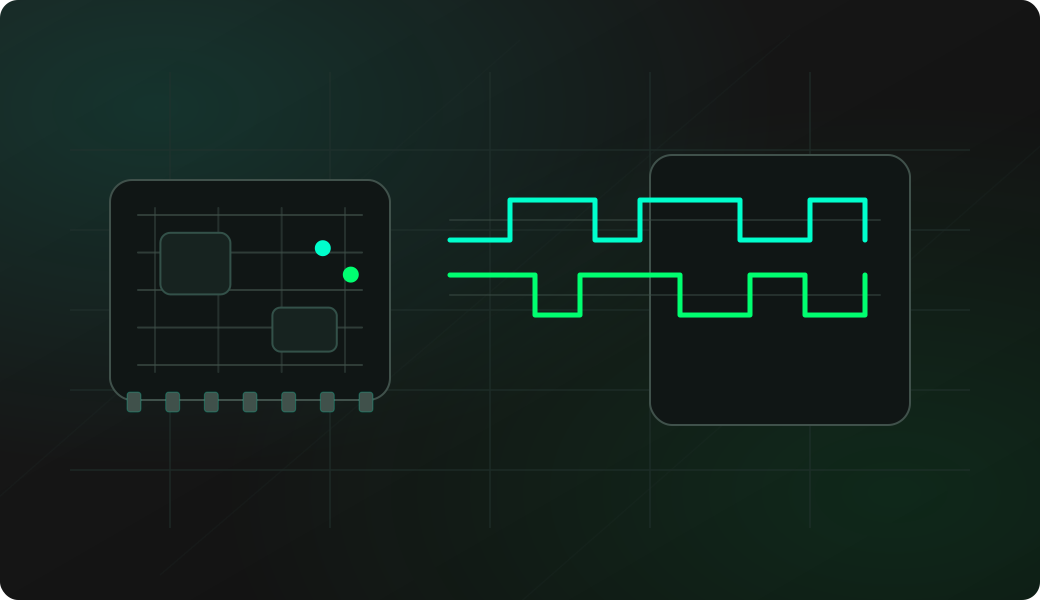
Wiring View
Commands
Run the commands below after selecting the right Bit Pirate mode and confirming the wiring.
Result
What success looks like
You get a stable baud estimate and readable output with read. If the result jumps around, the signal may be idle, inverted, noisy or not UART.
Troubleshooting
- No common ground between target and Bit Pirate.
- RX is connected to the wrong side of the link.
- The signal is inverted or not TTL UART.
- The target only prints during boot; reset the target while autobaud is running.
UART autobaud FAQ
What does autobaud measure?
Autobaud estimates the serial rate from transitions seen on the receive line. It is a discovery helper, so the final baud should still be confirmed with readable text or known protocol output.
Should I connect TX before running autobaud?
No. Start with target TX to Bit Pirate RX plus shared ground. Keep Bit Pirate TX disconnected until you know the voltage, baud rate, serial format and whether it is safe to talk to the target.
How should I use autobaud output in the next step?
Treat the detected value as a starting point for UART mode setup, then confirm it with readable output, known prompts or repeated boot messages before moving to bridge or write tests.