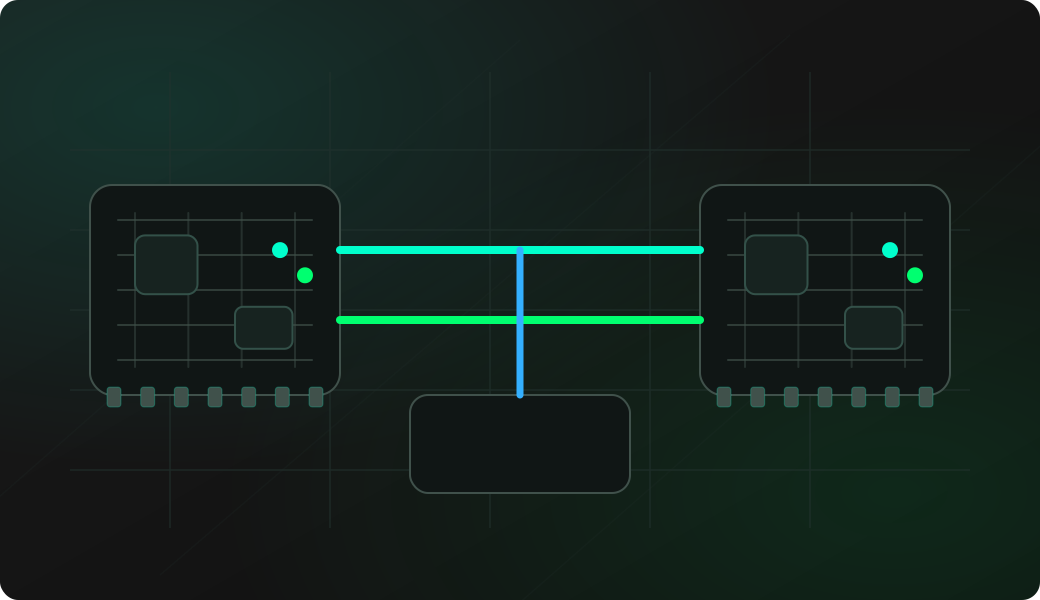
Wiring View
Commands
Run the workflow from the CLI after selecting the matching mode.
Result
What it means
The output confirms that the protocol path is working and gives you a baseline for deeper experiments.
Troubleshooting
- Check baud rate, parity and inversion in config.
- Avoid driving the line while the target is actively transmitting.
- Try bytecode for controlled request/response timing.
Half-duplex UART bridge FAQ
When should I use HDUART instead of UART?
Use HDUART when transmit and receive share one data wire. Standard UART mode expects separate TX and RX lines, so it is the wrong model for single-wire serial buses.
Why are collisions a problem in HDUART bridge mode?
Because Bit Pirate and the target share the same line. If both drive the wire at the same time, bytes can be corrupted and the electrical state can become unsafe for the target.
When is bytecode better than bridge?
Use bytecode when the bus expects a precise request, delay and response length. Bridge mode is convenient for manual exploration, but bytecode gives repeatable timing.