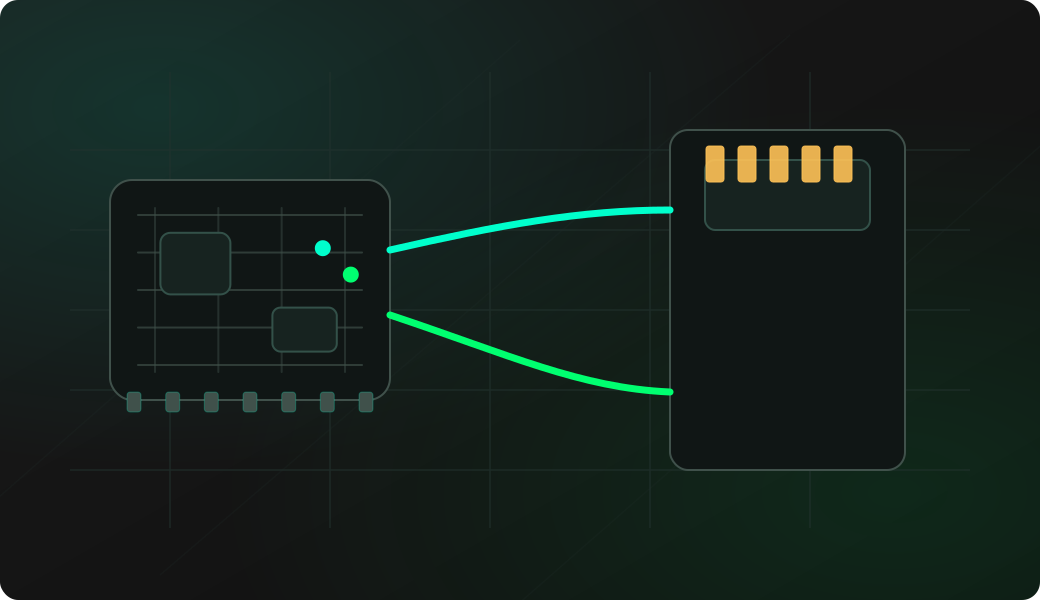
Wiring View
Commands
Run the typed commands first. If the command opens an interactive shell, select the named action from the shell menu instead of treating it as another CLI command.
Result
What success looks like
A clean directory listing confirms that SPI wiring, card formatting and shell access are working.
Troubleshooting
- Using an unsupported or corrupted filesystem.
- Forgetting card power and shared ground.
- Swapping MISO and MOSI.
- Running large operations and assuming the board froze.
SPI SD card shell FAQ
What does a clean ls result prove?
It confirms that SPI wiring, chip select, card power and the FAT/FAT32 filesystem are good enough for basic file access.
Why do large SD card operations feel slow?
The SD card shell runs over SPI and serial output, so large directory listings or file reads can take several seconds. Start with small files while validating the setup.
Can this replace a normal USB card reader?
No. It is a bench shell for quick inspection and simple file operations. Use USB mass storage mode or a real card reader when you need fast bulk transfers.