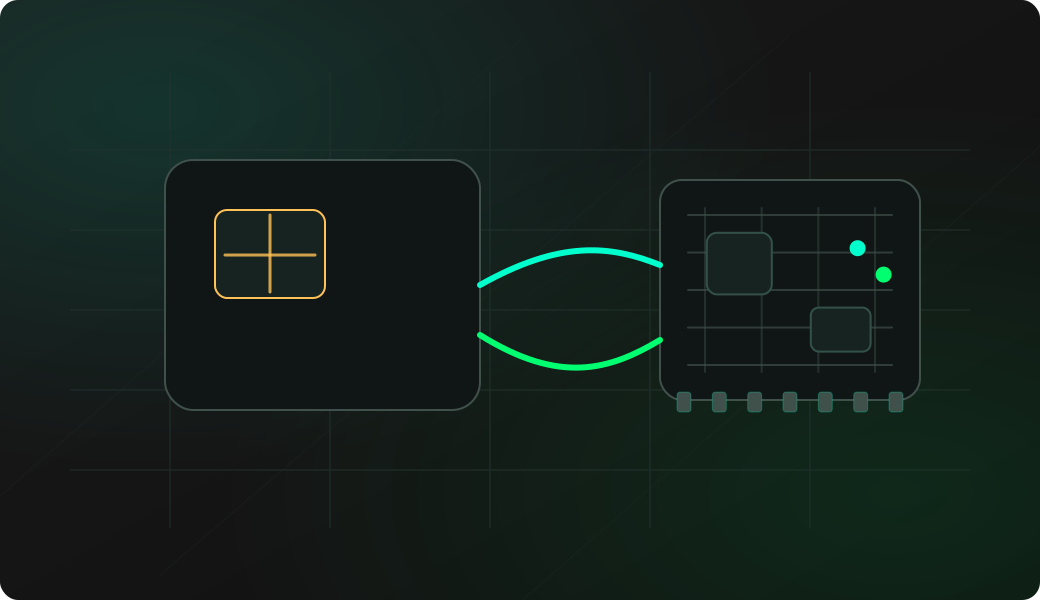
Wiring View
Commands
Open the smartcard shell from 2WIRE mode, then choose Probe in the interactive menu.
Result
What it means
The output confirms that the protocol path is working and gives you a baseline for deeper experiments.
Troubleshooting
- Check physical card orientation and contacts.
- Re-enter 2WIRE mode if CLK or IO pins changed and follow the setup prompts.
- Do not try unlock or write steps until Probe is reliable.
SLE4442 ATR probe FAQ
What does the ATR prove?
The ATR proves that the card responds to reset and that the 2WIRE smartcard shell is communicating well enough for read-only discovery.
Why should Probe come before dump or unlock?
Probe is the lowest-risk confirmation step. It helps identify the card path before memory reads, PSC checks or writes that depend on stable contacts and timing.
What does ATR or probe prove before card operations?
It proves that the card contact path and 2-wire session are good enough to identify the card family. That makes later read, status or lab write steps easier to interpret.