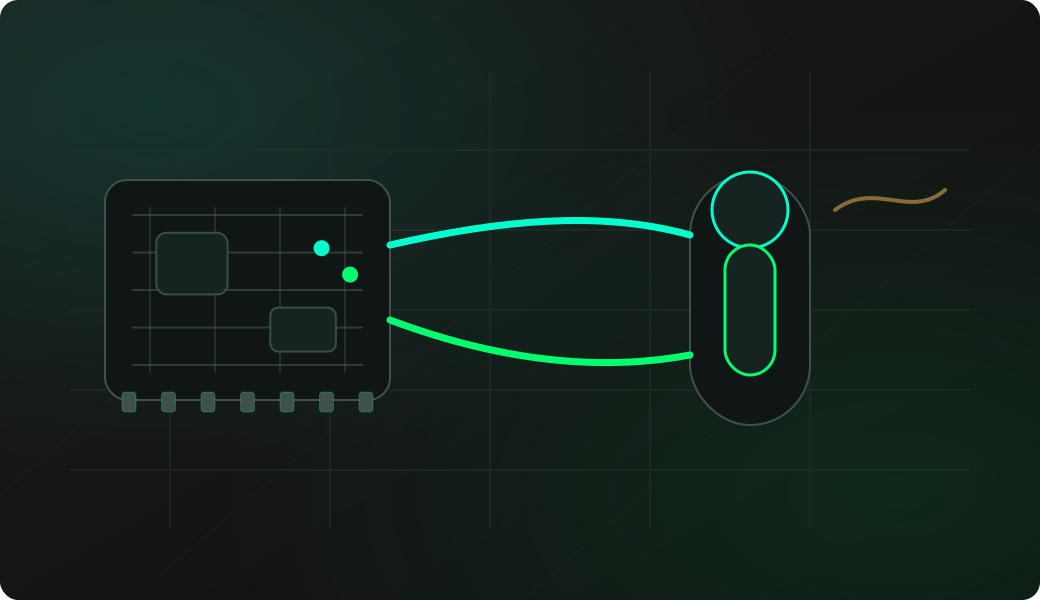
Wiring View
Commands
Run the typed commands first. If the command opens an interactive shell, select the named action from the shell menu instead of treating it as another CLI command.
Result
What success looks like
Family code 0x28 is commonly associated with DS18B20-style temperature sensors. The important part is that scan and temp agree on a valid device.
Troubleshooting
- No pull-up resistor on the DQ line.
- Connecting parasite-powered sensors without checking wiring.
- Leaving multiple devices on the bus while testing a simple setup.
DS18B20 temperature FAQ
What confirms that the device is really a DS18B20?
A stable scan result plus a successful temp read is the useful confirmation. DS18B20-style sensors commonly use family code 0x28, but the decoded temperature should also be repeatable.
What does scan prove before a temperature read?
Scan proves that a 1-Wire device can be discovered by ROM ID. A temperature read goes further by addressing a DS18B20-style sensor command and conversion workflow.
Can I leave several 1-Wire sensors connected?
1-Wire can support multiple devices, but start with one sensor while validating wiring. Add more devices only after scan, read and temp are stable on the simple setup.