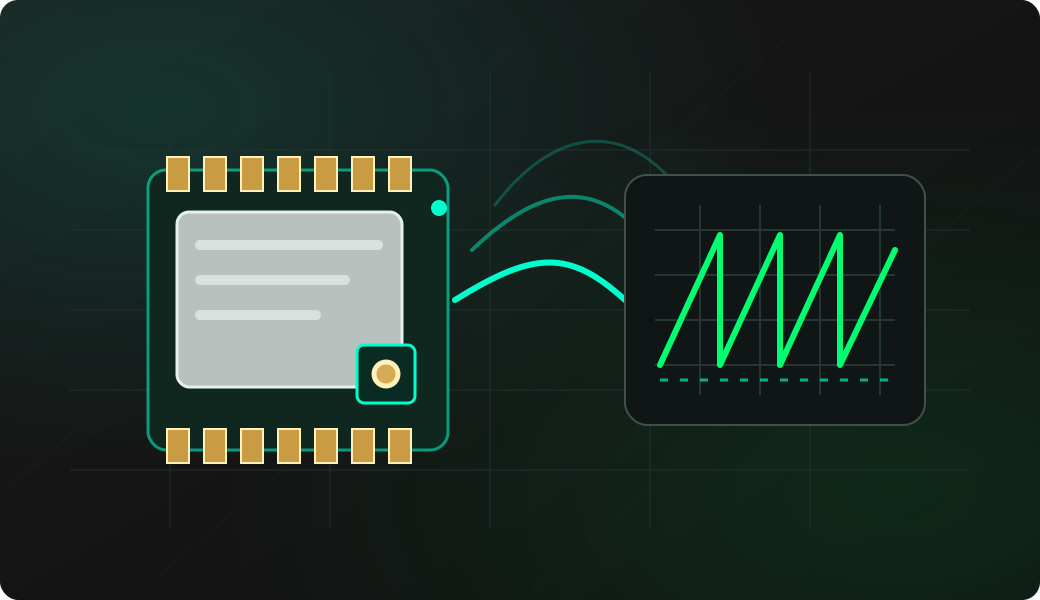
Start with a controlled source
Use your own transmitter or an authorized lab node with the exact profile from the configuration recipe. Fit a band-matched antenna before powering the radio.
- RSSI answers: is there measurable RF energy?
- CAD answers: is a compatible LoRa preamble present?
- Receive answers: can this profile decode a complete packet?
Verify the active profile
Re-enter LoRa mode, then compare every setting with the transmitter. Do not run config unless you intend to rebuild the profile from its defaults.
Measure the noise floor with RSSI
Sample once per second, first with the controlled transmitter silent and then active. Press Enter to stop.
Energy is not a decoded packet
A stronger RSSI can come from another LoRa profile or a different radio signal in the same channel.
Look for a compatible LoRa preamble
cad uses the current bandwidth and spreading factor. The argument sets the interval between detection windows; press Enter to stop and view the summary.
Receive and inspect a packet
Start receive mode, send a short packet from the controlled peer, then press Enter when the sample is complete.
Read the result
- Length is the decoded payload size, up to 255 bytes in this implementation.
- RSSI is the received signal level for that packet; compare it over repeated packets, not in isolation.
- SNR reports signal-to-noise ratio and may be negative on a valid LoRa link.
- HEX preserves every payload byte; ASCII is the human-readable view where bytes are printable.
- Errors and dropped in the final summary reveal receive problems that a single successful line can hide.
Troubleshooting
- RSSI changes but CAD stays quiet: the energy may not be LoRa, or bandwidth and spreading factor do not match.
- CAD detects activity but no packet arrives: compare frequency, coding rate, sync word, CRC and IQ mode; also check for collisions or a damaged payload.
- No activity at all: confirm both antennas, physical band, transmitter state and distance, then recheck the active profile.
- Receive exits or misses events: check DIO1, BUSY, stable 3.3 V and the receive summary counters.
- Unreadable ASCII: inspect HEX; binary payloads are not expected to render as text.
LoRa receive FAQ
What is the difference between RSSI, CAD and receive?
RSSI samples energy, CAD searches for a LoRa preamble compatible with the active BW/SF, and receive decodes a complete compatible packet.
Why can CAD detect activity while receive shows nothing?
The signal can have a detectable preamble but a corrupted payload or incompatible frequency, CR, sync word, CRC or IQ setting.
How do I stop these continuous commands?
Press Enter. Receive mode then prints its packet, error and dropped-packet summary.