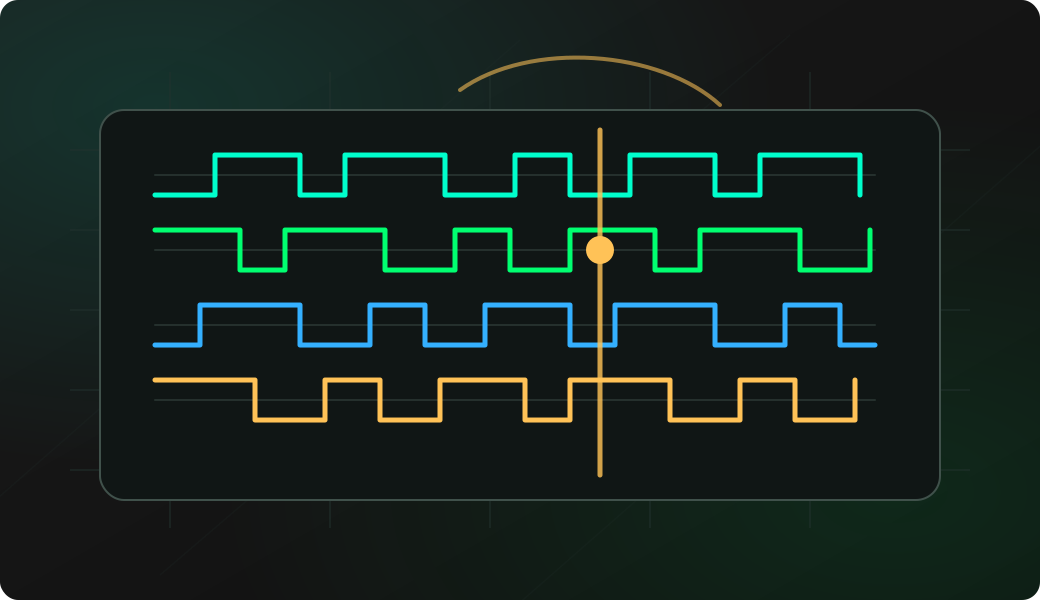
Commands
Run the workflow from the CLI after selecting the matching mode.
Result
What it means
The output confirms that the protocol path is working and gives you a baseline for deeper experiments.
Troubleshooting
- Increase D delay if the device responds slowly.
- Reduce read length while learning the frame format.
- Check line inversion if all bytes look wrong.
HDUART bytecode query FAQ
What does the D delay control?
The D value inserts a controlled delay between transmitted bytes and the read window. Increase it when the target needs time to process the request before answering.
What does read length mean in a HDUART bytecode query?
Read length controls how many bytes Bit Pirate waits for after the transmitted sequence. It shapes the reply window rather than changing the bytes sent on the bus.
What makes HDUART bytecode useful for unknown devices?
Bytecode lets you combine writes, waits and reads in one compact experiment. That makes it useful when you are learning a half-duplex command-and-response format.