Commands
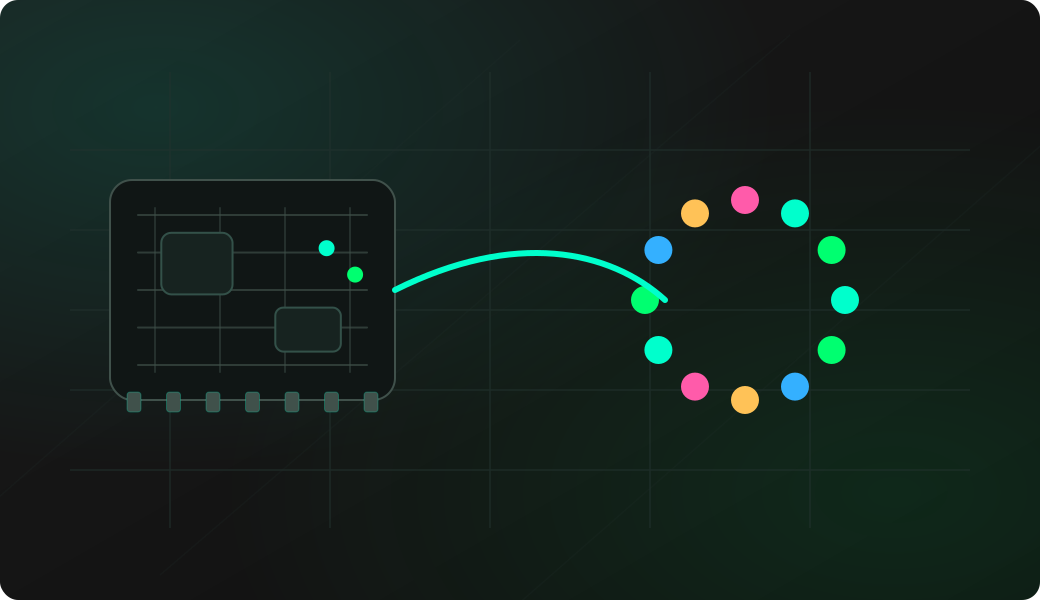
Run the workflow from the CLI after selecting the matching mode.
Result
What it means
The output confirms that the protocol path is working and gives you a baseline for deeper experiments.
Troubleshooting
- If the wrong LED changes, check the physical data direction.
- If no LED changes, run config again.
- Use reset after tests to turn all pixels off.
single LED pixel index FAQ
How are LED strip pixels numbered?
Pixels are addressed from the strip data input and use zero-based indexes. The configured strip length defines the highest valid index for set and fill style commands.
What color formats can set use?
Use named colors, hex values such as #FF00FF or 0x00FF00, decimal RGB values, or simple on and off shortcuts where supported.
When should I use set instead of fill?
Use set when you want to identify or test a single pixel index. Use fill when you want a full-strip color test after the strip length and color order are already understood.