Wiring View
Start the SUMP adapter
The logic analyzer is a dedicated USB adapter mode, not a normal CLI capture command. Start it from USB adapters, choose the SUMP logic analyzer, enter up to eight GPIOs, then reconnect from PulseView or the Web Tool after the board reboots.
Capture in PulseView or the browser
- In PulseView, select the Logic Sniffer & SUMP driver and the Bit Pirate serial port.
- Set a modest sample rate and enough capture depth to include the whole event.
- Trigger the target reset or button press, then start the capture.
- Use cursors to measure pulse width and delay between channels.
The browser tool exposes the same kind of capture path with Connect, sample rate, depth, Start Capture, and export buttons for VCD, CSV, raw, or session JSON.
What the result means
A waveform beats a hunch
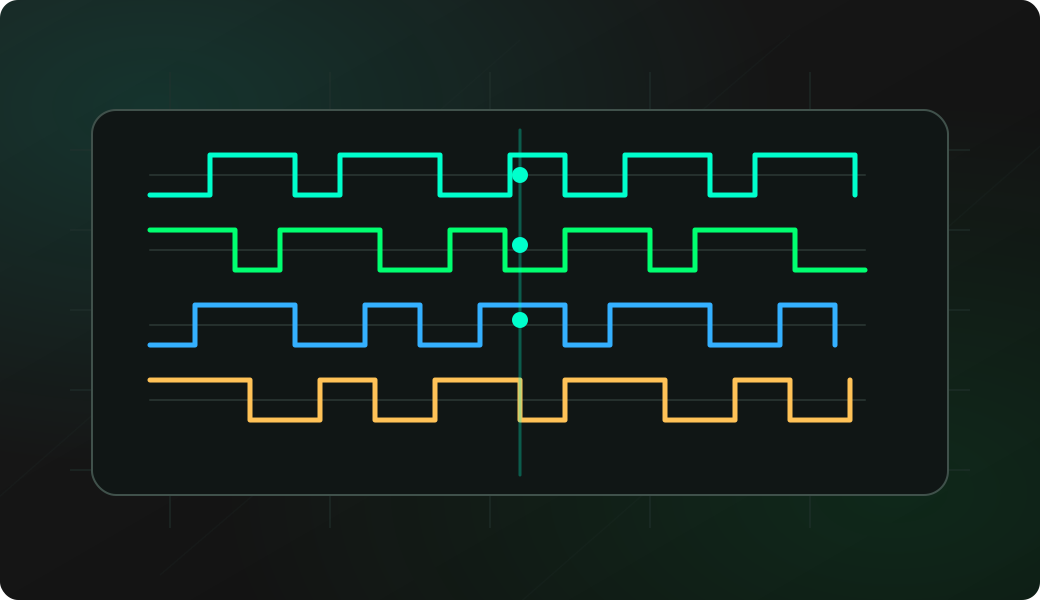
Once the channels are visible, you can answer practical questions: did the line toggle, how wide was the pulse, did one board speak before the other was ready, and is the problem timing or software?
Troubleshooting
A flat capture is usually missing ground, a wrong GPIO mapping, or a capture window that missed the event. If the transition is there but too blurry, increase sample rate. If the event is absent, lower sample rate or increase depth so the capture lasts longer.
- The target ground is not connected to Bit Pirate ground.
- The selected GPIO order does not match the channel labels in PulseView.
- The capture window is too short and misses the reset or button event.
- The sample rate is too low for the pulse width you are trying to measure.
SUMP logic analyzer FAQ
Why is SUMP a USB adapter instead of a normal CLI command?
PulseView and sigrok expect a SUMP/Open Bench Logic Sniffer style device over a serial port. Adapter mode reboots Bit Pirate into that dedicated host-tool protocol.
How does the SUMP capture map into PulseView?
Bit Pirate streams sampled GPIO channels through the SUMP-compatible adapter, and PulseView handles timeline display, cursors, triggers and protocol decoders on the host.
What should I capture before decoding a real bus?
Capture one known transition first, such as a button press, reset pulse or test square wave. That validates channel order and timing before you spend time on protocol decoding.