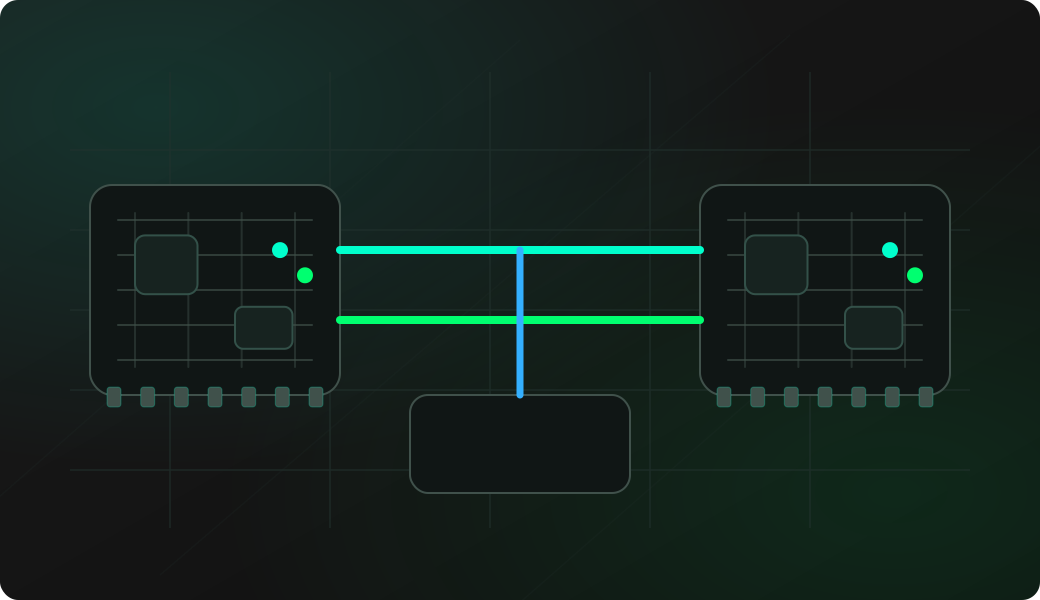
Wiring View
Commands
Run the commands below after selecting the right Bit Pirate mode and confirming the wiring.
Result
What success looks like
You can see the target output and type into the console. If you only see output but input does nothing, swap RX/TX or verify the target accepts console input.
Troubleshooting
- RX and TX are not crossed.
- Wrong baud rate or parity.
- Target console is read-only or disabled.
- ESP32 TX voltage is not safe for the target.
- Bridge mode does not accept a terminal escape command: terminal input is forwarded to the target. Press any physical button on the ESP32 to return to Bit Pirate.
UART bridge FAQ
When is bridge mode better than write and read?
Use bridge mode for an interactive UART console, bootloader menu or shell where you need to type and immediately see replies. Keep write and read for short probes when you want to stay inside the Bit Pirate command prompt.
Why start with target TX before full bridge?
Listening to target TX first is passive and usually enough to learn baud rate, boot text and prompt style. It gives context before you actively drive the target RX line.
Why is the console text readable at first, then broken in bridge mode?
The usual causes are a baud rate mismatch, parity/stop-bit mismatch, reset-time autobaud behavior, or RX/TX wiring that only works in one direction. Re-run passive read, confirm the UART settings, then enter bridge again.