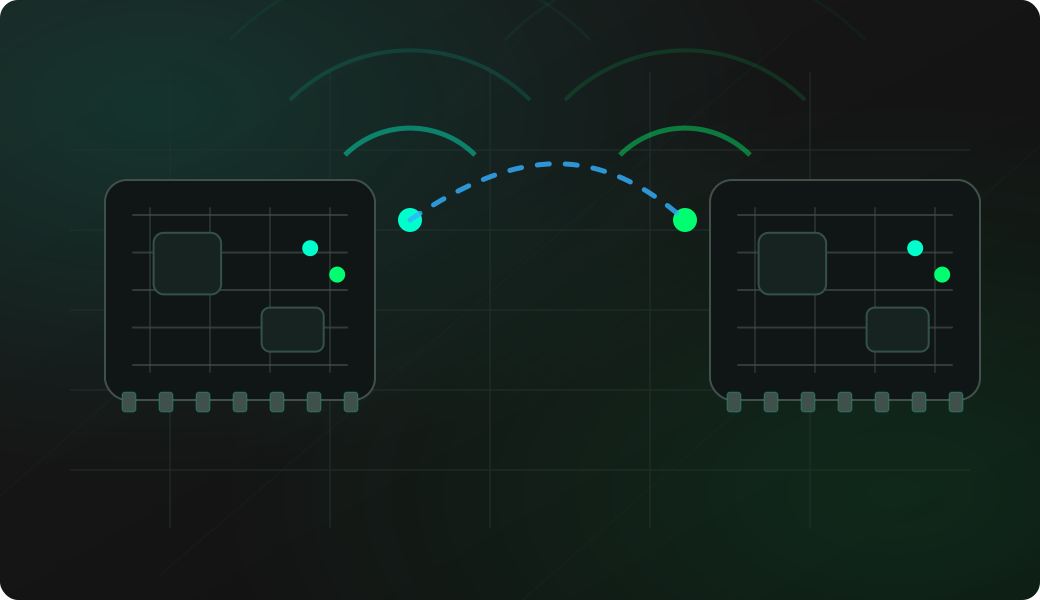
Wiring View
Commands
Enter RF24 mode, follow the setup prompts if the module has not been configured yet, then run a scan to confirm the radio is responding.
Result
What it means
If scan runs without initialization errors, CE, CSN and SPI wiring are good enough to continue with receive, sweep or send tests.
Troubleshooting
- If init fails, check CE and CSN separately from SPI CS.
- Try a lower SPI speed if the module is unstable.
- Add local decoupling near the module if reads are inconsistent.
nRF24L01 configuration FAQ
Which RF24 settings are electrical and which are radio-level?
CE, CSN, SCK, MOSI and MISO are electrical wiring concerns. Channel, address, payload length, data rate and power level are radio settings that must be coordinated between endpoints.
Does the module need a special power setup?
Use a stable 3.3 V supply and short ground wiring. Many nRF24L01 modules are sensitive to dips during transmit or receive, so local decoupling near the module often fixes intermittent initialization or packet problems.
Which RF24 settings must match between both sides?
The two sides need compatible channel, address, payload width and data rate settings. A scan can prove the module responds, but receiving payloads requires matching the transmitter configuration.