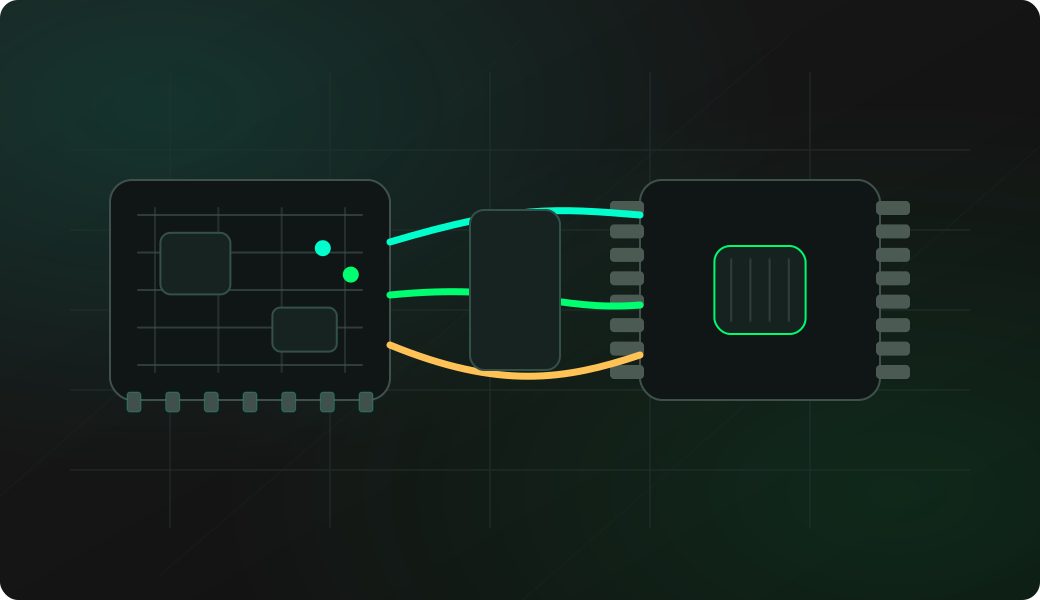
Wiring View
Commands
Enter SPI mode, configure the pins, then open the EEPROM shell.
Result
What success looks like
Start with Probe. If the chip is identified, dump or read from known addresses before using any write or erase action.
Troubleshooting
- HOLD# is left floating instead of pulled high.
- Wrong address organization or unsupported chip variant.
- Power is wrong for the EEPROM.
- The target board is still driving the SPI lines during in-circuit access.
SPI EEPROM 25X dump FAQ
Why use the SPI EEPROM shell instead of raw SPI?
The shell knows the 25X EEPROM workflow, including probe, address size, page handling, dump, write and erase actions. Raw SPI is useful for experiments, but the shell is safer for EEPROM work.
What are HOLD# and WP# used for on SPI EEPROMs?
HOLD# can pause serial communication and WP# can protect writes, depending on the chip. Knowing those pins helps you distinguish memory behavior from normal SPI transfer problems.
How do I avoid corrupting the EEPROM?
Start with probe and read-only dump. Keep the target board from driving the SPI bus, verify voltage, and do not write or erase until you have a backup you can compare.