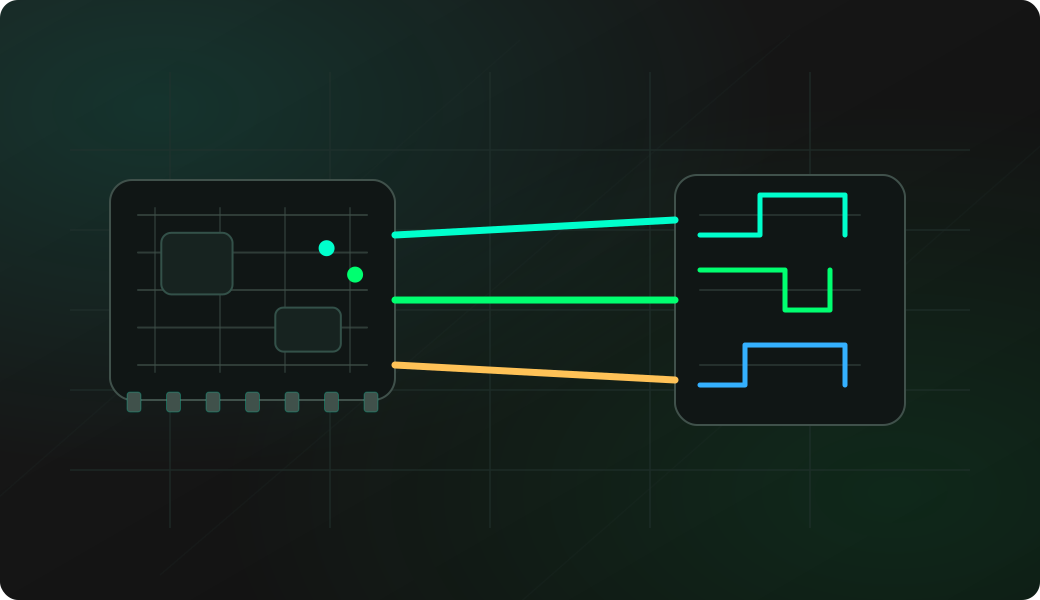
Wiring View
Commands
eeprom opens the interactive shell. Select the model, answer the ORG question, then choose Probe and Dump EEPROM.
Result
What it means
A stable dump in the expected size means wiring and organization are likely correct. Two matching dumps are better than one.
Troubleshooting
- ORG pin floating or tied to the wrong rail.
- DI and DO swapped.
- Target board still powering or driving the EEPROM.
- Long clip wires causing intermittent reads.
93Cxx EEPROM dump FAQ
Why does the ORG pin matter so much?
The ORG pin selects x8 or x16 organization on many 93Cxx EEPROMs. If it is floating or tied incorrectly, the dump size and byte order can look wrong even when wiring is otherwise correct.
How do I know the dump is trustworthy?
Make at least two dumps and compare them. A stable size and matching data across repeated reads are stronger evidence than a single successful probe.
Can I dump a 93Cxx chip in-circuit?
Sometimes, but the surrounding board may power the chip or drive CS, SK, DI or DO. For unreliable reads, isolate the chip or make sure the target circuit is not fighting the Bit Pirate.