Commands
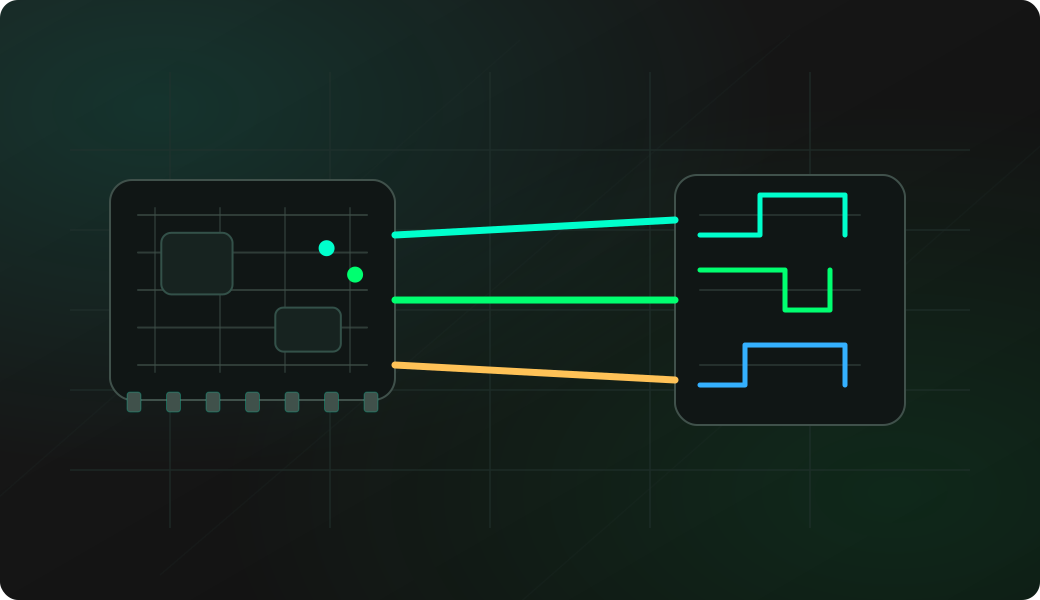
Open the 3WIRE EEPROM shell, dump the chip from the menu first, then choose Erase EEPROM only on a disposable lab part.
Result
What it means
The chip accepts erase operations through the selected 3WIRE organization and wiring.
Troubleshooting
- If the chip does not erase, check write-enable behavior and organization.
- Confirm the chip is not write-protected by the circuit.
- Read back several addresses after erase.
93Cxx erase FAQ
Why limit erase tests to lab EEPROMs?
Erase changes the chip contents and may destroy calibration, identity or configuration data on real boards. Use a disposable lab chip unless you have a verified backup and explicit reason to erase.
What does an erased 93Cxx usually read as?
The 3WIRE shell erase action sets memory bits back to 1, so an erased device commonly reads as 0xFF-style data. Always verify by reading several addresses after erase.
Why is erase a lab-only operation?
Erase intentionally destroys EEPROM contents and should only be used on disposable test parts or after a verified backup. It is a validation step, not a discovery step.