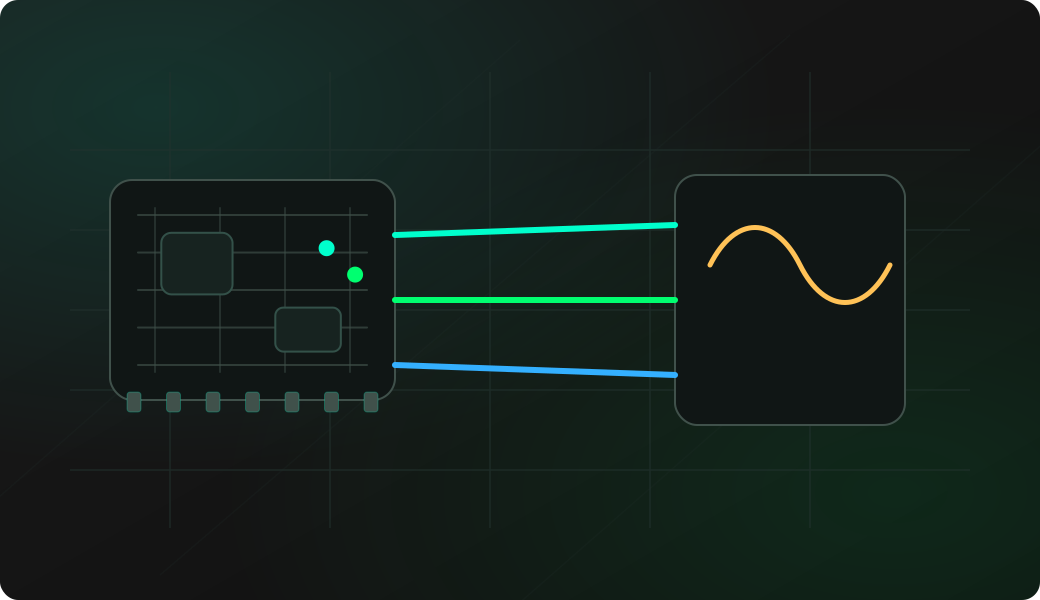
Wiring View
Commands
Run the workflow from the CLI after selecting the matching mode.
Result
What it means
The output confirms that the protocol path is working and gives you a baseline for deeper experiments.
Troubleshooting
- Swap LRCK and BCLK if there is no output.
- Check sample rate and bit depth in config.
- Use reset to return the I2S service to output mode.
I2S test tone FAQ
What does play test on an I2S output?
It verifies that BCLK, LRCK and DATA are configured well enough for the DAC, amplifier or speaker module to receive a generated tone.
Why do I hear nothing even though the command runs?
BCLK and LRCK may be swapped, DATA may be on the wrong pin, the amplifier may be muted, or the module may need a different sample rate or bit depth from config.
Why use a short tone first?
A short command such as play 440 1000 gives a repeatable one-second check without leaving continuous audio running while you adjust wiring or gain.