I2S pin and sample setup
Set BCLK, LRCK, DATA, sample rate and bit depth so the ESP32-S3 and audio module agree before any test.
ESP32-S3 I2S audio debugging
ESP32 Bit Pirate turns a compatible ESP32-S3 board into an I2S audio debugging workbench. Use it to configure BCLK, LRCK and DATA pins, play test tones, record microphone samples and verify speaker or microphone wiring.
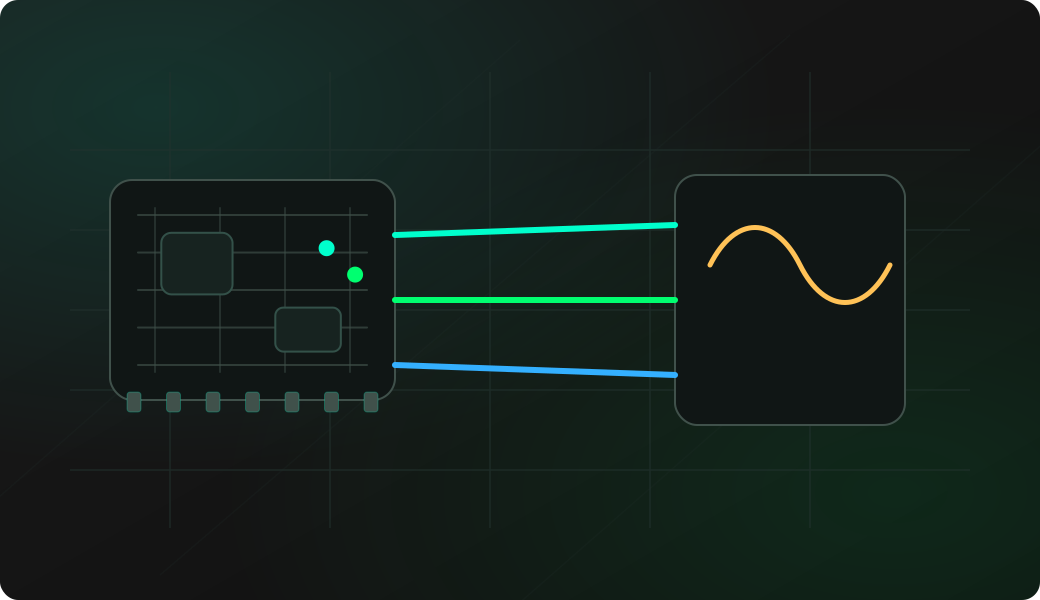
Start by confirming the three signal lines and the audio direction. Use built-in tests before spending time on custom firmware or audio processing code.
Wire BCLK, LRCK or WS, DATA, VCC and GND to the I2S microphone, amplifier or audio module.
Start I2S mode and configure pins, sample rate and bit depth for the target module.
For output, play a known test tone or run the speaker test before trying real audio data.
For input, run the microphone test, then record and compare silence versus sound levels.
Use a logic analyzer on BCLK, LRCK and DATA if the audio path stays silent or unstable.
mode i2s
config
play 440 1000
test speaker
test mic
record
reset
Example CLI flow. See the I2S wiki for exact syntax, pin prompts, sample settings and firmware-specific behavior.
Use this overview to choose the right I2S audio workflow before opening a detailed recipe.
Set BCLK, LRCK, DATA, sample rate and bit depth so the ESP32-S3 and audio module agree before any test.
Generate a known tone to confirm that the output clocking, data line and speaker or amplifier path are alive.
Run repeatable speaker patterns before debugging playback data, file handling or higher-level audio code.
Record microphone activity and compare silence versus sound to confirm that the input path is producing samples.
Watch level changes, peak-to-peak movement or sample activity before interpreting audio quality.
Separate swapped BCLK/LRCK, wrong DATA direction, bad power and sample setting mistakes before replacing hardware.
I2S problems are often wiring, direction or configuration issues. A small external workflow can confirm the audio path before you add application code.
Use tone and microphone tests to answer whether the module is wired and clocked correctly before writing custom firmware.
Microphones drive DATA toward the ESP32, while speaker or amplifier paths receive DATA from the ESP32. Mixing directions creates silent tests.
Capture BCLK and LRCK with a logic analyzer when a module stays silent, then check whether the clocks match the expected sample setup.
These notes stay short. The detailed command references live in the project documentation and firmware repository.
The bit clock must reach the I2S target. If BCLK is missing, most microphones, DACs and amplifiers will look completely silent.
The word select or left-right clock separates audio channels and sample frames. Swapping it with BCLK is a common first wiring error.
Check whether DATA is input from a microphone or output to a speaker amplifier. Direction mistakes are easy to miss on a three-wire audio bus.
Use a module voltage compatible with the selected hardware path, share ground and avoid driving ESP32 GPIO outside its safe logic range.
Most I2S failures come from swapped clocks, wrong data direction, unsupported module type, missing ground or sample settings that do not match the target.
Check DATA direction, module power, shared ground, BCLK, LRCK and whether test mic detects any signal before interpreting record.
Run a known tone first, then check BCLK, LRCK, DATA output wiring, amplifier enable pins, gain and speaker power.
LRCK and BCLK are easy to confuse. Use the labels WS, LRCLK, LRCK and BCLK on the module silkscreen carefully.
Analog microphones do not speak I2S. Use an actual I2S digital microphone module for this workflow.
Check sample rate, bit depth, clock stability, wire length, module voltage and whether the target expects mono or stereo framing.
These pages are the task-level I2S workflows. This overview keeps the protocol-level guidance here, while each recipe covers setup, commands and troubleshooting in detail.
This page is a protocol overview. Use the site index for the full web experience, or GitHub for source code, firmware documentation and the I2S command reference.
Flash a supported ESP32-S3 board before testing I2S audio mode from the browser.
Open Web FlasherOpen the maintained firmware wiki for I2S commands, pin configuration, tests and usage notes.
Open I2S command referenceCheck compatible boards and exposed GPIOs before wiring an I2S microphone, DAC or amplifier.
Compare supported ESP32-S3 boardsOpen Web Serial for I2S audio commands after the matching firmware is running.
Open Web Serial Terminal for ESP32 Bit PirateCapture BCLK, LRCK and DATA timing when you need to inspect I2S clocks and data activity.
Open Logic AnalyzerBrowse recipes that connect I2S audio work to wiring, commands, captures and troubleshooting.
Browse all hardware debugging recipesCheck firmware source, issues and releases that affect I2S audio support.
Open GitHub repositoryShort answers for common questions before moving into a detailed workflow.
Yes. I2S mode can record from an I2S microphone, visualize signal activity and run a microphone test to check input presence.
Yes. I2S mode can play tones and speaker test patterns through a compatible I2S output path after BCLK, LRCK and DATA are configured.
Start with BCLK, LRCK or WS, DATA, shared ground and the correct data direction for microphone input or speaker output.