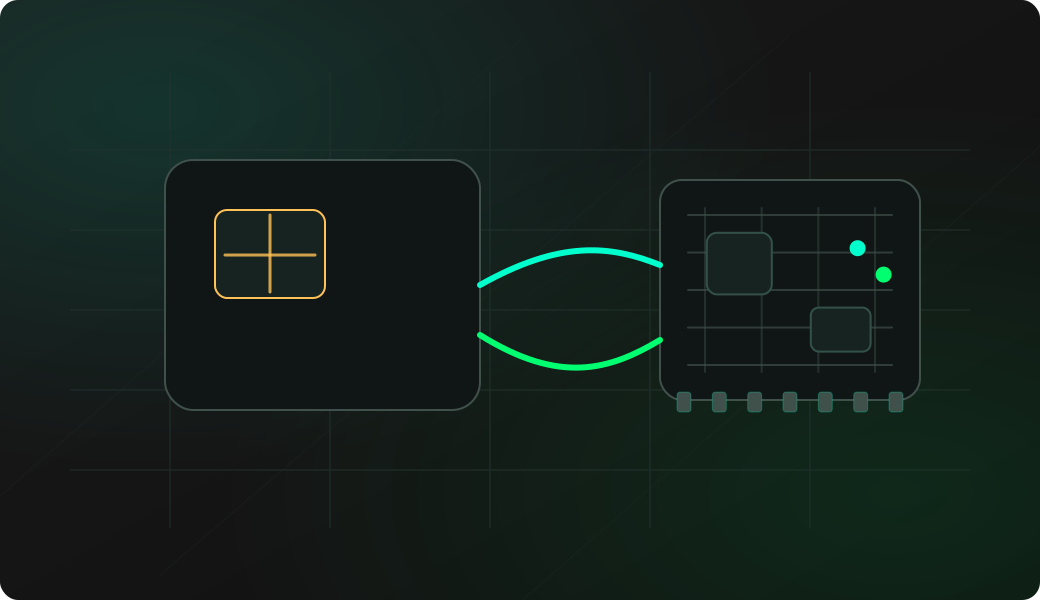
Wiring View
Commands
smartcard opens the interactive shell. Choose Probe first, then Security check, then Dump if the card responds.
Result
What it means
A non-empty ATR and security response means the wiring, reset line and protocol family are plausible.
Troubleshooting
- Confusing SLE44XX 2-wire cards with I2C EEPROMs.
- Missing RST wiring.
- Wrong supply voltage for the card.
- Trying unlock/write/protect actions before making a read-only dump.
SLE4442 read FAQ
What is safe to do first on an SLE4442 card?
Start with probe, security status and dump. These read-oriented steps document the card before any unlock, write, protect or erase action changes its state.
What does a SLE4442 dump contain?
A dump reads the card memory exposed by the SLE4442-style workflow. It is useful for documenting lab cards before any status, PSC or write-related experiment.
Can I write or unlock after reading?
Only on lab cards you are authorized to modify, and only after saving the readout. Incorrect PSC attempts and protection changes can be irreversible.