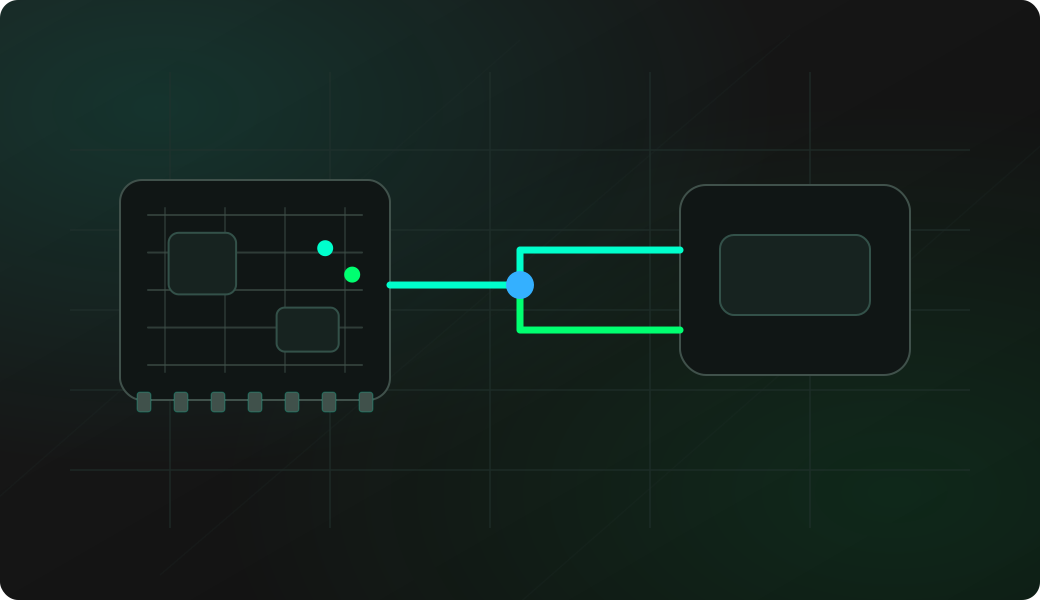
Wiring View
Commands
Enter USB mode and start host descriptor dumping.
Result
What success looks like
You get a descriptor dump instead of a silent port. Save the VID/PID and class/interface information for the next debugging step.
Troubleshooting
- USB device is not powered from 5V.
- Board wiring does not expose a usable USB host path.
- The current terminal session is interrupted by USB mode changes.
- The device needs more current than the board can provide.
USB host descriptor FAQ
What does the USB host command show?
It enables USB host mode and dumps descriptor information from the connected USB device, which helps identify class, interface and endpoint details before writing a driver or tool.
What does a USB descriptor dump tell me?
A descriptor dump identifies the device class, vendor/product IDs, endpoints and interface layout. That helps decide whether the target behaves like HID, CDC, storage or a custom USB device.
Is descriptor read the same as full USB host support?
No. Descriptor dumping proves that enumeration and basic descriptor reads work. It does not mean every HID, mass-storage, serial or vendor-specific device is supported as a full host driver.