Commands
Run the workflow from the CLI after selecting the matching mode.
Result
What it means
The output confirms that the protocol path is working and gives you a baseline for deeper experiments.
Troubleshooting
- Check wiring and shared ground.
- Re-enter the mode setup if pins or speed changed.
- Start with a known-good module before testing unknown hardware.
RF24 receive FAQ
What does RF24 receive mode wait for?
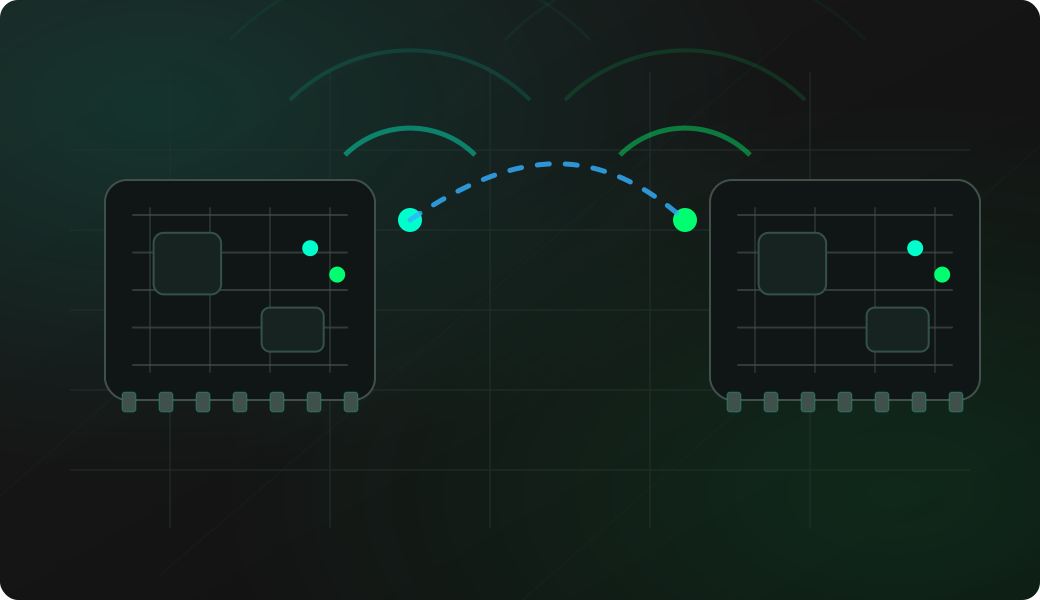
It waits for nRF24L01 packets that match the configured radio parameters. The output is about payload reception, not generic 2.4 GHz energy detection.
Can RF24 receive decode Wi-Fi or Bluetooth?
No. The nRF24L01 is for RF24-style packets, not Wi-Fi or Bluetooth decoding. Activity scans may show busy 2.4 GHz channels, but receive expects compatible nRF24L01 packet settings.
What should I test before listening for unknown payloads?
Start with two known modules and a simple test payload. Once that path works, change one setting at a time and keep unknown traffic work passive and authorized.