Commands
Run the workflow from the CLI after selecting the matching mode.
Result
What it means
The output confirms that the protocol path is working and gives you a baseline for deeper experiments.
Troubleshooting
- Check DATA direction: microphone data must go to the ESP32 input.
- Confirm BCLK and LRCK pins from config.
- Try test mic before interpreting record visualization.
I2S microphone recording FAQ
What does I2S record show?
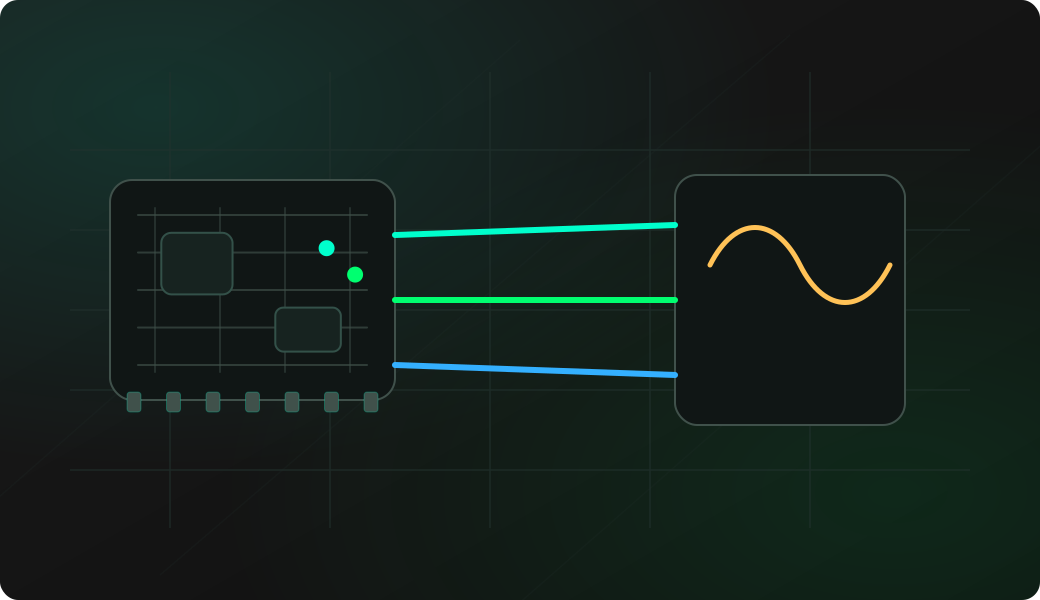
It records and visualizes microphone input activity so you can confirm that the digital mic is producing samples and reacting to sound.
What kind of microphone is this recipe for?
This workflow is for digital I2S microphones that provide sample data over BCLK, LRCK and DATA. Analog electret modules need an ADC-style workflow instead of the I2S recorder.
Should I run test mic before record?
Yes. test mic gives a quick signal-strength check before you interpret the longer record visualization or compare silence versus sound.