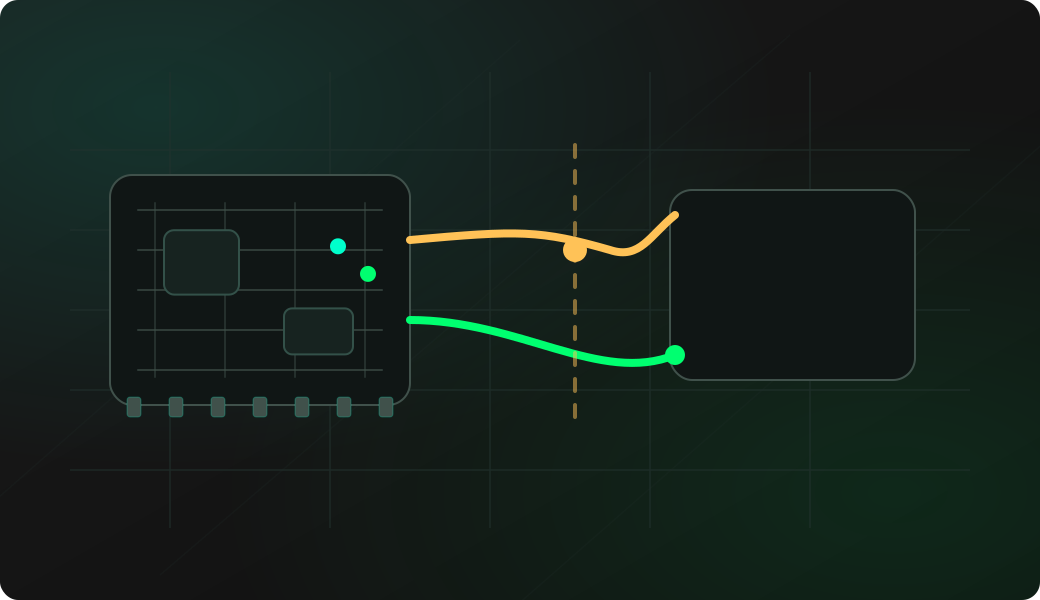
Wiring View
Commands
Run the typed commands first. If the command opens an interactive shell, select the named action from the shell menu instead of treating it as another CLI command.
Result
What success looks like
If the next scan finds the target again, the issue was likely a stuck transaction. If not, inspect voltage, pull-ups and wiring.
Troubleshooting
- Running recovery while another master is actively driving the bus.
- Assuming recovery fixes missing pull-ups or wrong voltage.
- Keeping a target powered from a different ground reference.
I2C bus recovery FAQ
What does I2C bus recovery actually do?
Recovery toggles SCL and sends a stop condition so a target that is stuck mid-transaction can release SDA. It is a bus-state reset, not a fix for wrong wiring, missing pullups or bad voltage.
When should I avoid running I2C recover?
Avoid it while another master is actively controlling the bus or when the target is in the middle of a critical operation. On a shared system, isolate the bench setup before forcing clocks.
What does I2C recovery actually try to do?
Recovery attempts to clock the bus so a target that is holding SDA can release the line. It is a bus-state recovery helper, not a substitute for correct wiring or target power.