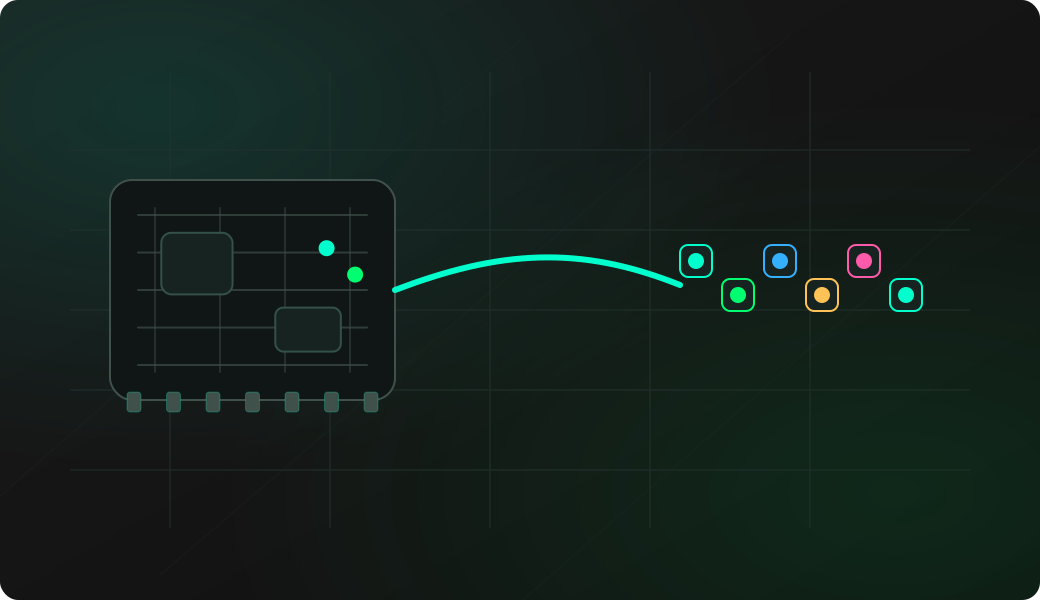
Wiring View
Commands
The first entry into LED mode asks for LED count, brightness and protocol. Use setprotocol if the strip responds with the wrong timing or chipset.
Result
What it means
Uniform fill confirms power and data. A single-pixel set confirms indexing. Chase confirms LED count and ordering.
Troubleshooting
- No common ground between LED supply and Bit Pirate.
- Data connected to DOUT instead of DIN.
- Wrong protocol or color order.
- Too many LEDs powered from USB.
addressable LED strip test FAQ
What should a basic LED strip test prove?
fill proves that every pixel can receive data, set proves index control, and chase or rainbow confirms ordering and configured length.
Why do colors look swapped?
Some strips use a different color order or chipset timing. Run config again or use setprotocol to try the correct FastLED-compatible protocol.
What is a safe first LED test pattern?
Start with one or a few pixels at low brightness and a simple color. That proves data order and protocol selection before you run full-strip animations or bright fills.