Wiring View
Commands
Run the typed commands first. If the command opens an interactive shell, select the named action from the shell menu instead of treating it as another CLI command.
Result
What success looks like
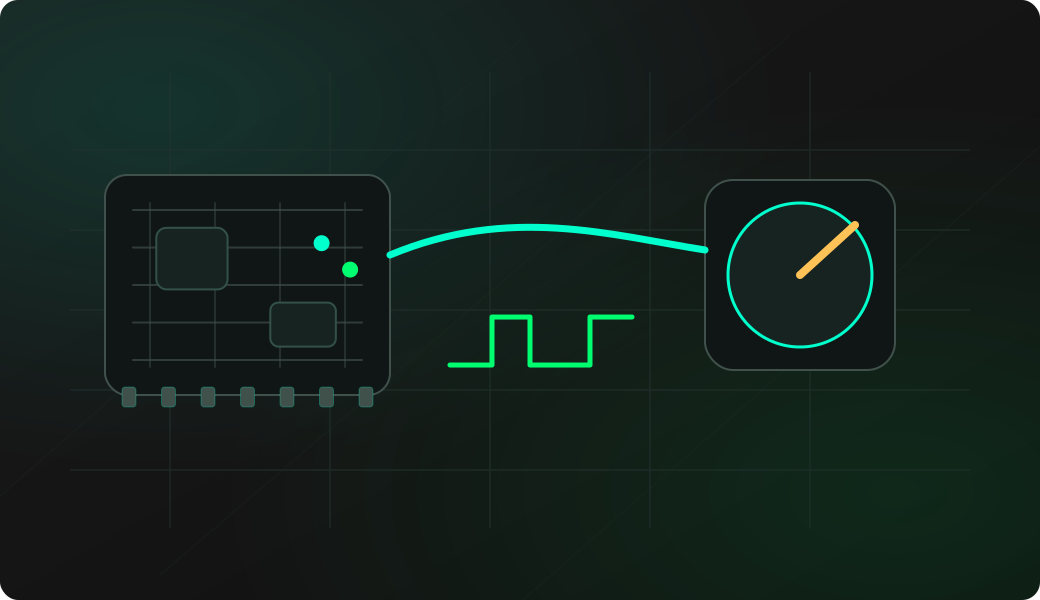
A stable PWM output confirms the target input path. For servos, power the servo separately and share ground with Bit Pirate.
Troubleshooting
- Powering a motor or servo directly from an ESP32 GPIO.
- Forgetting shared ground with an external servo supply.
- Leaving a PWM channel attached after testing.
- Using GPIOs reserved by the current board.
PWM and servo signal FAQ
What does this recipe generate for a servo?
It generates the control pulse train expected by hobby servos. Power delivery is a separate bench-wiring decision and should be handled independently from the signal recipe.
How is servo position represented in this workflow?
Servo position is represented by pulse width, usually within the range expected by hobby servos. The recipe is about generating that timing signal, not measuring mechanical position feedback.
When is PWM useful without a servo?
PWM is also useful for testing LED drivers, optocouplers, logic inputs, filters and trigger paths where you only need a repeatable square-wave-like signal.