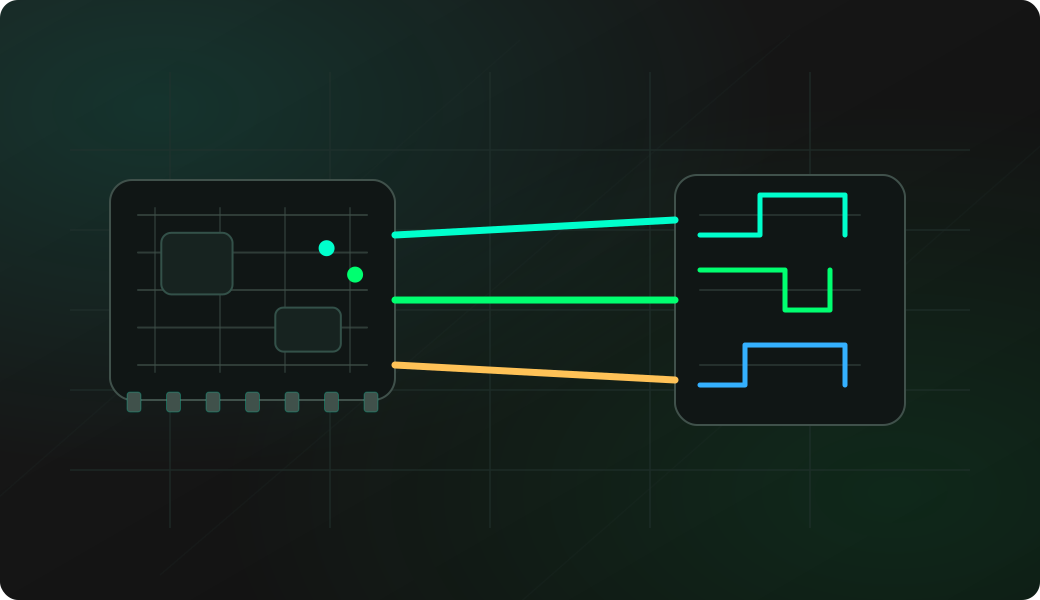
Wiring View
Commands
Open the 3WIRE EEPROM shell, then choose Write bytes in the interactive menu after probing and backing up the chip.
Result
What it means
A readback that matches your test bytes confirms the 3WIRE pin mapping, organization mode and write-enable flow.
Troubleshooting
- If readback is wrong, check ORG state.
- If probe is unreliable, verify CS/SK/DI/DO mapping.
- Do not erase production EEPROMs without a backup.
93Cxx write FAQ
What should I write for a first test?
Use a tiny, recognizable pattern on a disposable chip or known-safe address, then read it back. Avoid writing production EEPROM data until the organization and backup are verified.
What does ORG select on a 93Cxx EEPROM?
ORG selects the memory organization, commonly x8 or x16 words depending on the chip and board wiring. The selected organization changes how addresses and data bytes should be interpreted.
Should I erase before every write?
Not always. Follow the shell behavior for the chip, but keep a backup and verify readback. Do not erase a useful EEPROM just to test that wiring works.