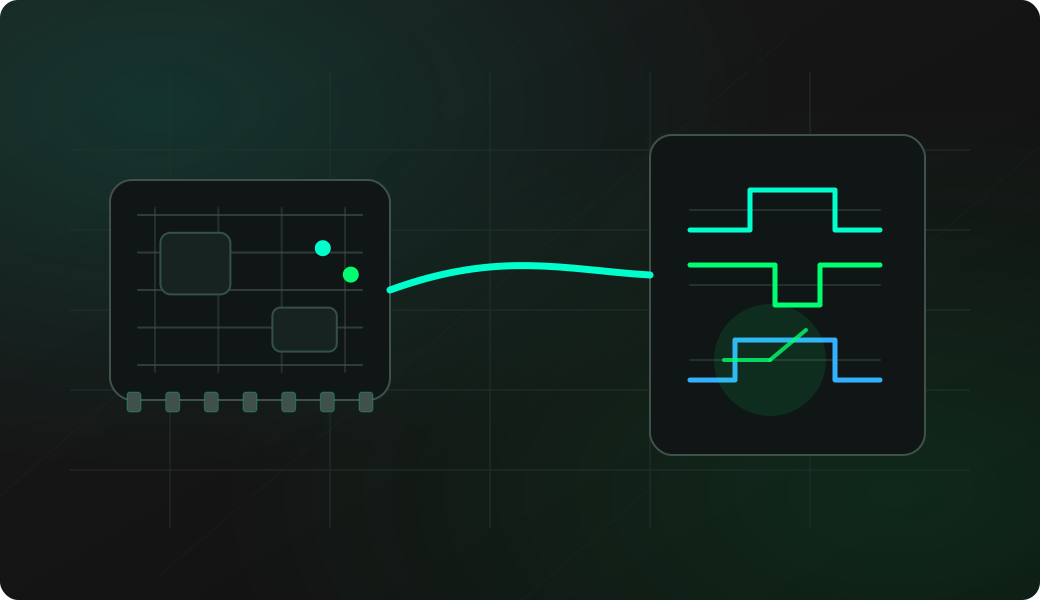
Wiring View
Commands
These commands are documented as global or quick-start commands.
Result
What it means
If the command returns the expected output, the firmware and terminal session are ready for the next workflow.
Troubleshooting
- If the signal is always high, check pull-ups or idle state.
- If nothing changes, try a slower action on the target device.
- If the result looks like a clock, switch to a protocol or logic capture workflow.
GPIO wizard FAQ
What does the wizard tell me about an unknown pin?
It helps triage whether a pin looks idle, digital, analog-like, clock-like or active. It is a discovery tool, not a full protocol decoder.
Why should wizard be used before driving a pin?
Wizard is observational. It helps you avoid driving a line that is already an output, pulled to an unexpected level, or actively changing on the target board.
What should I do after wizard finds activity?
Move to a focused DIO measurement, logic trace or protocol-specific recipe. Wizard narrows the search; the next tool should confirm timing, voltage and meaning.