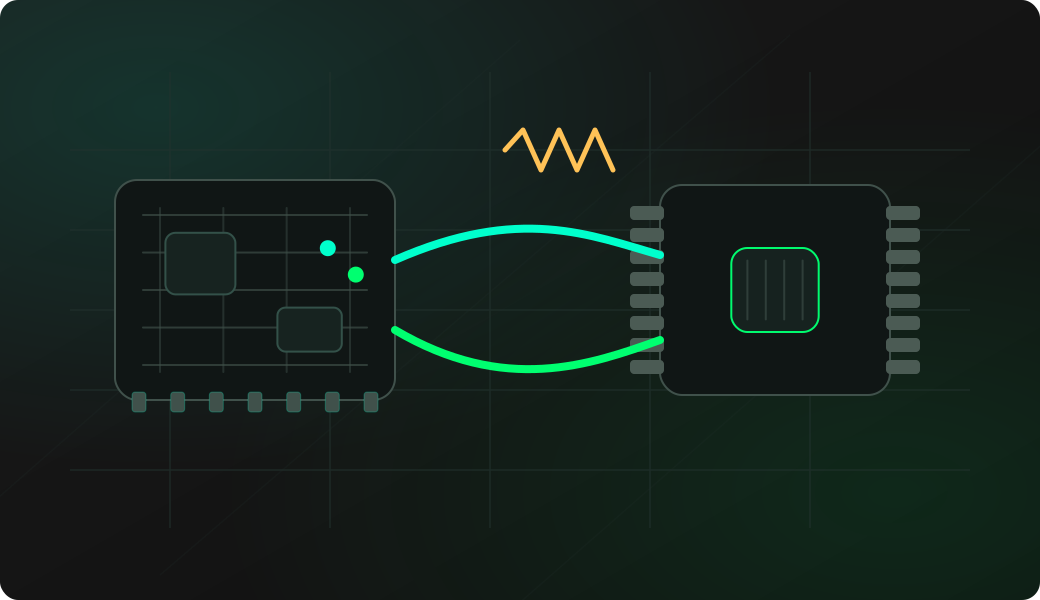
Wiring View
Commands
Run the typed commands first. If the command opens an interactive shell, select the named action from the shell menu instead of treating it as another CLI command.
Result
What success looks like
A successful probe is the green light to read a short range first, then dump the full content.
Troubleshooting
- Leaving more than one 1-Wire EEPROM on the bus during memory operations.
- Skipping the pull-up resistor.
- Using Wi-Fi/Web UI when timing is critical.
- Erasing before a verified dump exists.
1-Wire EEPROM dump FAQ
What does the 1-Wire EEPROM shell add over raw reads?
The EEPROM shell groups memory-oriented actions such as probe, dump and write into a device-specific workflow, so users do not have to assemble low-level 1-Wire transactions manually.
Is a pull-up required on the 1-Wire data line?
Yes. The DQ line needs a pull-up so reset, presence and bit slots return to a clean idle-high state. Missing or weak pull-ups are a common cause of disappearing devices and bad dumps.
Should I use the EEPROM shell instead of raw 1-Wire commands?
Yes for EEPROM work. The shell understands supported DS2431, DS2433 and DS28EC20-style devices, handles addressing better, and gives safer probe, read, dump, analyze and erase actions than raw bytecode.