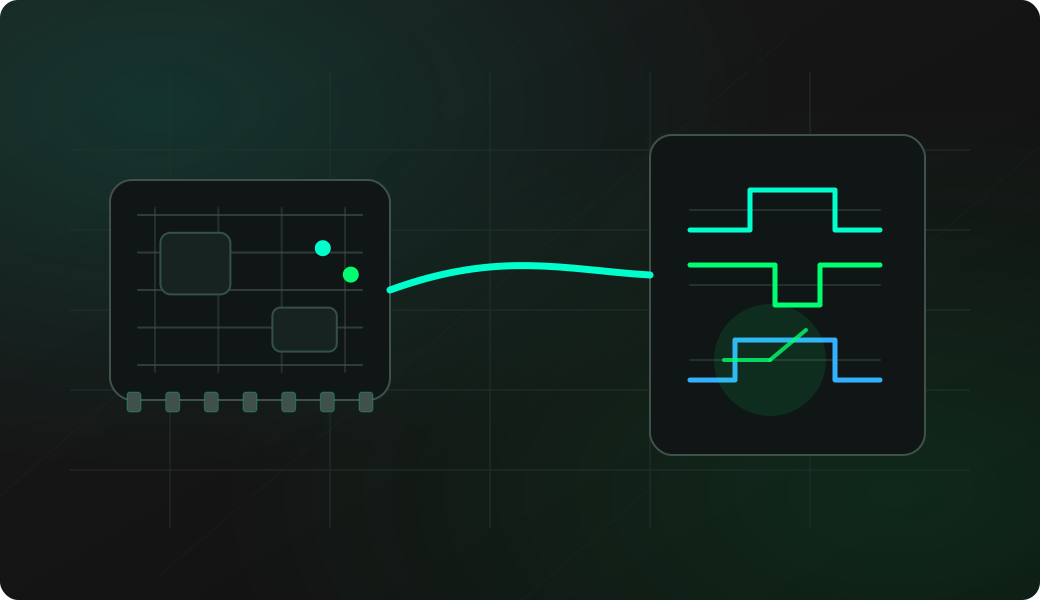
Wiring View
Commands
Run the typed commands first. If the command opens an interactive shell, select the named action from the shell menu instead of treating it as another CLI command.
Result
What success looks like
Use this as a quick confidence check. If the number is unexpected, move to a logic analyzer capture to inspect duty cycle and timing shape.
Troubleshooting
- Connecting a voltage above ESP32 logic level.
- Measuring without shared ground.
- Using the wrong GPIO after moving wires.
- Assuming frequency alone tells you protocol timing.
GPIO frequency measurement FAQ
What is this measurement good for?
Use it as a quick confidence check that a clock, interrupt or data line is alive and roughly in the expected range. It is not a replacement for a calibrated oscilloscope.
How should I interpret a changing frequency measurement?
Treat changing frequency as a clue about the signal source, load state or firmware behavior over time. Use it to decide whether you need a longer capture or a protocol-specific view.
What does frequency not tell me?
Frequency alone does not show duty cycle, byte framing, protocol order or edge-to-edge timing. It is a quick signal presence check, not a full protocol capture.