Wiring View
Commands
Run the commands below after selecting the right Bit Pirate mode and confirming the wiring.
Result
What success looks like
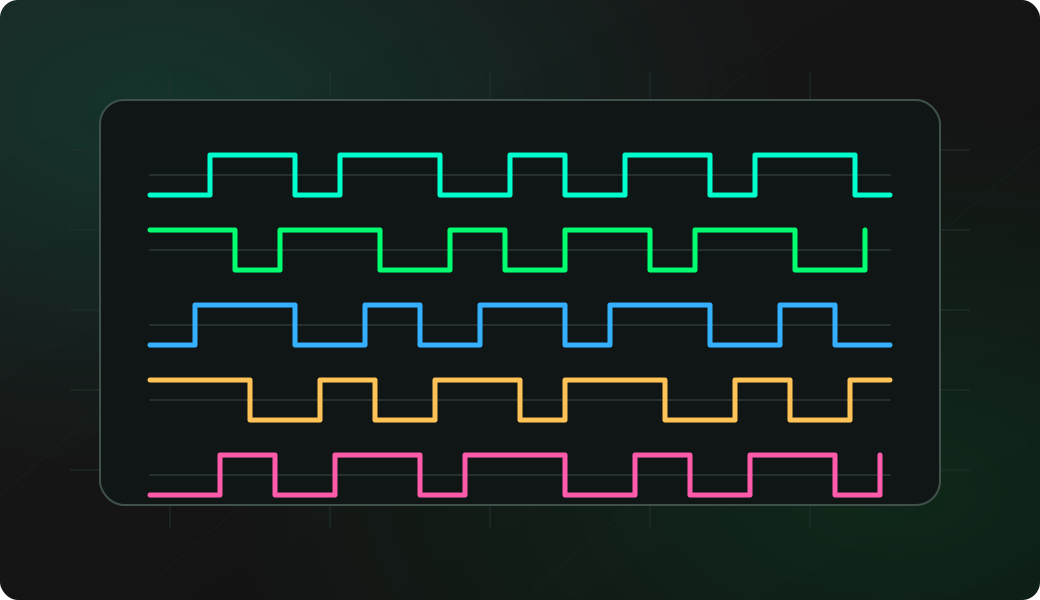
A real signal repeats with similar timing across captures. Random-looking pulses or changing lengths usually mean noise, wrong frequency or poor RF setup.
Troubleshooting
- Receiver is off-frequency by a few kHz.
- Remote is too close and saturates the receiver.
- Antenna does not match the band.
- You captured noise instead of a repeated frame.
Sub-GHz receive FAQ
How do I know a received frame is real?
A real frame usually repeats with similar timing, length and structure across captures. If pulse lengths change randomly, recheck frequency, antenna, distance and local noise before analyzing the data.
What is the difference between RSSI activity and a decoded frame?
RSSI activity only says energy exists near the tuned frequency. A decoded frame also needs modulation, timing and framing that match what the receiver workflow can interpret.
Should I replay a frame after receiving it?
No, not by default. Keep this workflow for analysis of signals you own or are authorized to test. Recording and replaying can have safety, legal and device-state consequences.