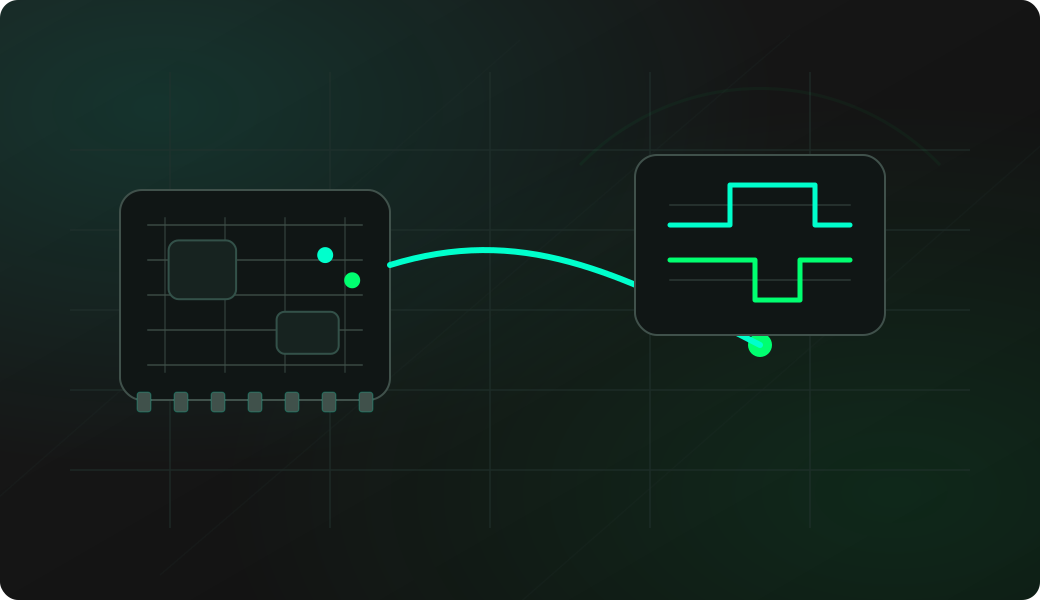
Wiring View
Commands
Run the commands below after selecting the right Bit Pirate mode and confirming the wiring.
Result
What success looks like
You get a stable peak when the remote/sensor is active. A few kHz of offset can matter, so fine-tune around the discovered value.
Troubleshooting
- Wrong antenna or no antenna.
- CC1101 module powered at the wrong voltage.
- GDO0 not wired for trace/receive workflows.
- Signal is outside the selected band.
Sub-GHz frequency scan FAQ
Does a scan decode the signal?
No. Scan and sweep find RSSI peaks or active areas. Decoding comes later, after tuning the receiver and capturing repeatable pulse timing from a signal you are authorized to analyze.
What should I do with a strong Sub-GHz peak?
Use it as a candidate frequency for narrower listening, trace, receive or record workflows. The scan is the discovery step, not the final protocol interpretation.
Which bands should I scan first?
Start only with bands that are legal and relevant in your region and lab setup. Common device families may use areas around 315, 433, 868 or 915 MHz, but rules and allowed use vary by location.