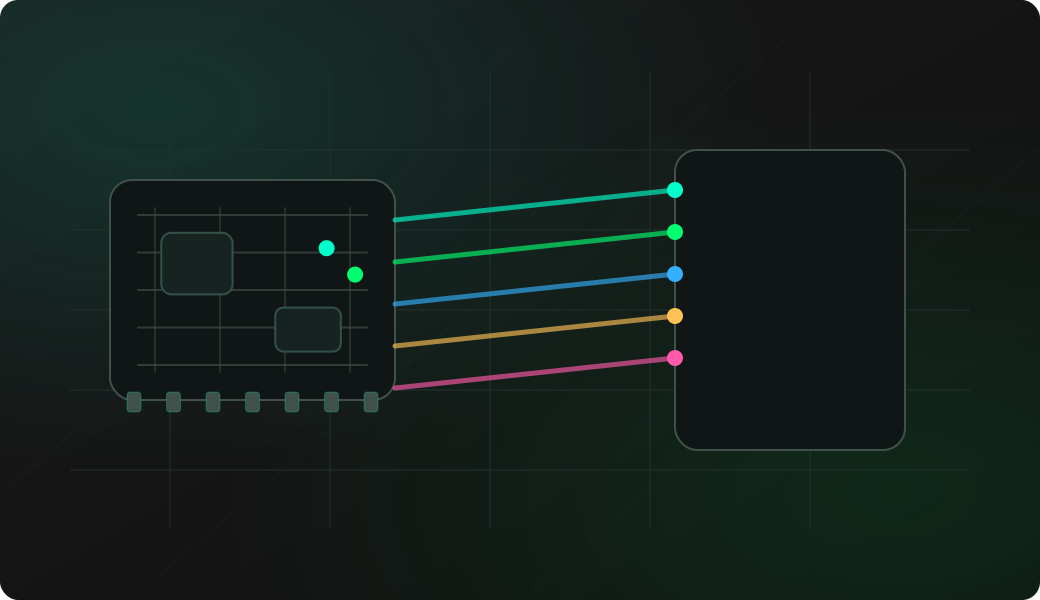
Wiring View
Commands
Run the commands below after selecting the right Bit Pirate mode and confirming the wiring.
Result
What success looks like
A consistent result across repeated scans is a useful candidate pinout. Verify it with OpenOCD or another debugger before assuming it is correct.
Troubleshooting
- Too many candidate pins causing long scan time.
- TRST/reset state not handled.
- Target powered but debug disabled.
- Pads are not JTAG despite looking like a header.
JTAG pinout scan FAQ
What pins does JTAG scan try to identify?
It searches candidate GPIO permutations for JTAG signals such as TDI, TDO, TCK and TMS, and optionally reset-related behavior depending on the target setup.
How should I choose candidate pins for a JTAG scan?
Start from visual clues, continuity checks, likely headers and nearby labels, then keep the candidate group small. Fewer candidates make the scan faster and the result easier to review.
Does a detected pinout guarantee debug access?
No. It gives a candidate mapping. The target may still have debug locked, wrong reset state, unsupported voltage, or an OpenOCD configuration issue.