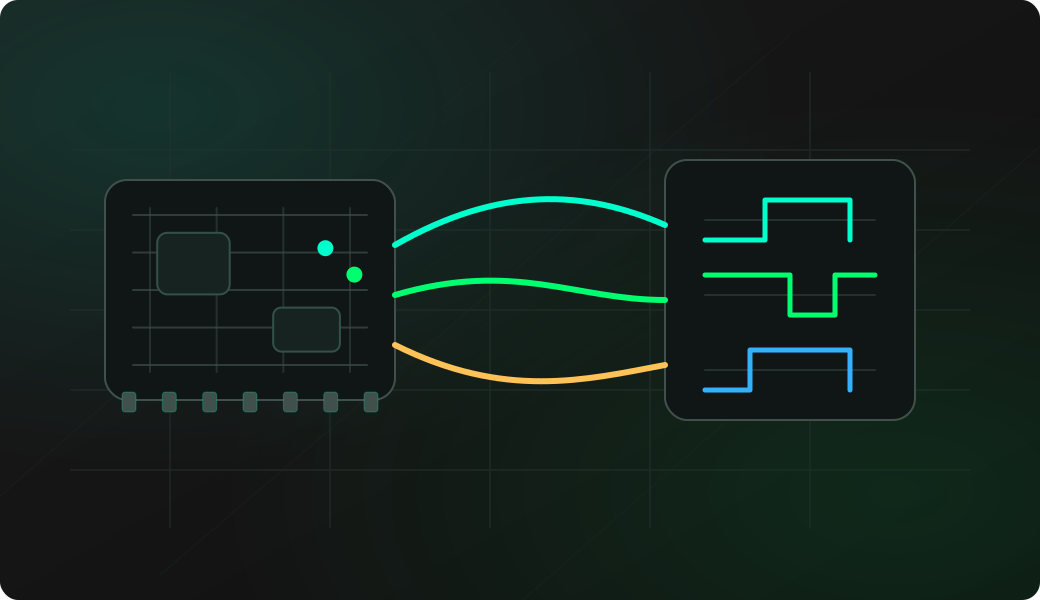
Wiring View
Commands
Run the commands below after selecting the right Bit Pirate mode and confirming the wiring.
Result
What success looks like
The host sees the expected adapter interface and OpenOCD can attempt target detection. If the target fails, return to pinout/power checks first.
Troubleshooting
- Pinout not actually verified.
- Wrong OpenOCD config for the target.
- Target held in reset or low-power state.
- USB/CDC adapter mode not re-enumerated as expected.
OpenOCD JTAG/SWD adapter FAQ
Should I scan pins before OpenOCD?
Yes. OpenOCD adapter mode expects a known JTAG or SWD mapping. Use the scan recipes first when the target pads are not labelled or not trusted.
What role does Bit Pirate play in an OpenOCD session?
Bit Pirate acts as the USB-facing transport adapter. OpenOCD still provides the target configuration, reset strategy and debug protocol logic for the MCU or SoC you are investigating.
Is Bit Pirate a replacement for a high-speed debug probe?
No. The USB adapter is useful for bring-up, recovery, experiments and low-speed debug access, but dedicated JTAG/SWD probes are better for production flashing and heavy debug sessions.