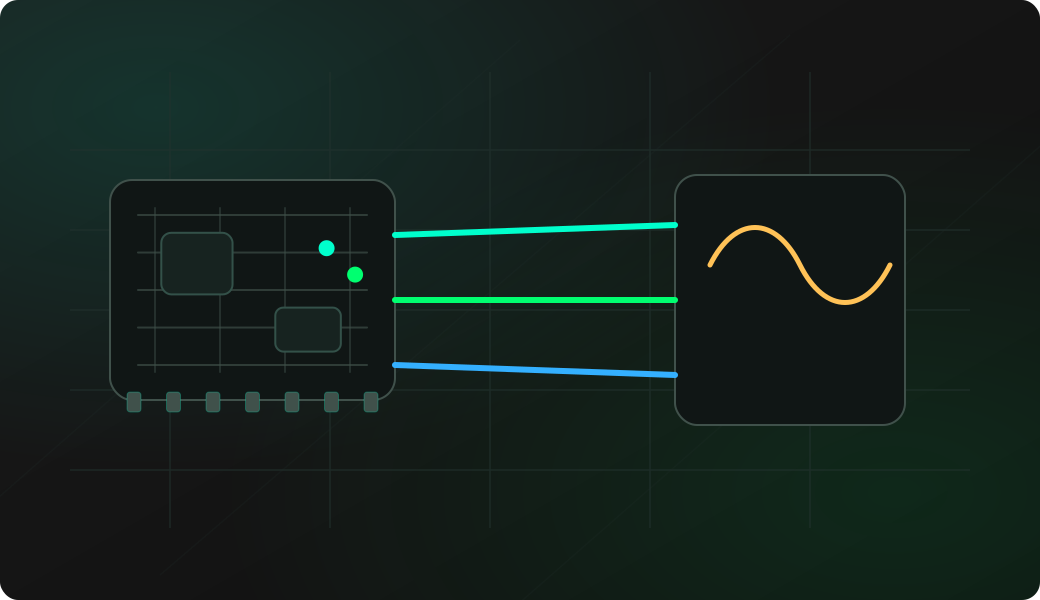
Wiring View
Commands
The first mode entry asks for BCLK, LRCK, DATA and sample settings. Use a mic test for input, speaker test or a short tone for output.
Result
What it means
A moving amplitude and non-zero peak-to-peak value means the microphone is producing samples.
Troubleshooting
- BCLK and LRCK swapped.
- Using an analog microphone on an I2S workflow.
- Wrong DATA direction: mic input versus amplifier output.
- Audio module powered at the wrong voltage.
I2S microphone and speaker test FAQ
Can one wiring setup test both mic and speaker?
Only if the modules and pins are wired for the correct direction. A microphone sends DATA to the ESP32, while a DAC or amplifier receives DATA from the ESP32.
What does test speaker verify?
It plays known patterns or tones so you can confirm I2S output clocks, data, power and the speaker path before using application audio.
Why should I run reset after input tests?
reset returns the I2S workflow to output mode, which avoids confusing later speaker or tone tests after microphone recording.