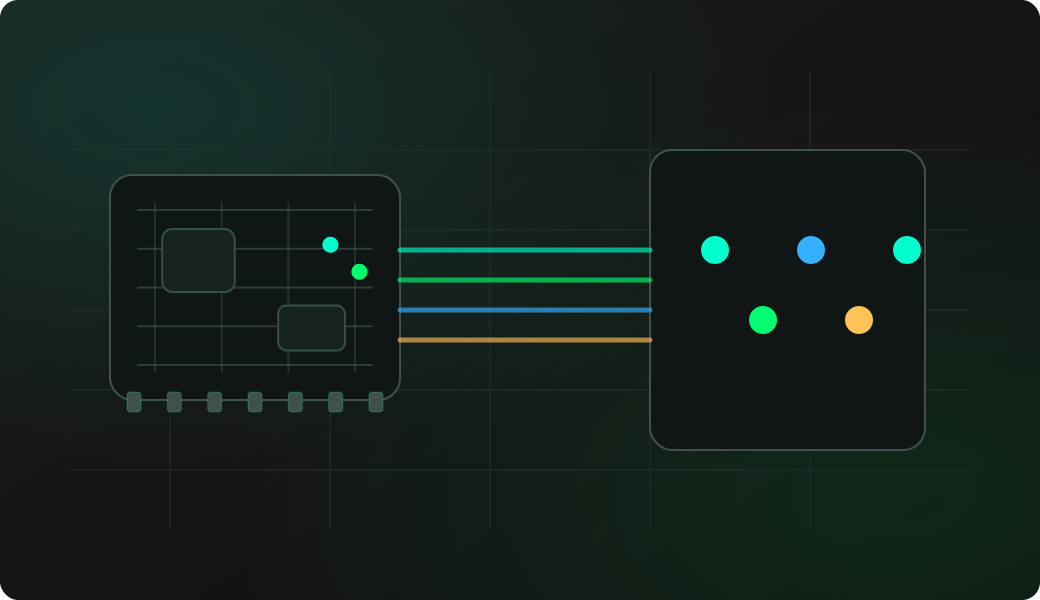
Wiring View
Commands
Set the pin as output, pulse it, then reset the GPIO to a neutral input state when finished.
Result
What success looks like
The target reacts to the pulse, or a logic analyzer shows a short transition on the selected pin.
Troubleshooting
- No shared ground between target and ESP32 Bit Pirate.
- Target expects 5V logic while the ESP32 GPIO is 3.3V.
- Wrong GPIO number or protected GPIO selected.
- Pulse too short for the target input or too hard to see without a logic analyzer.
Microsecond GPIO pulse FAQ
What can a short GPIO pulse be used for?
A short pulse can trigger a reset pin, enable input, latch, interrupt line or timing experiment when the target expects a simple digital transition.
How should I choose a pulse width?
Choose the pulse width from the target datasheet, a known reset requirement, or a logic-analyzer observation. The value should match the event you want the target to recognize.
Why reset the GPIO after the pulse?
Resetting the pin returns it to a neutral state and reduces the chance of leaving the target held high, low or actively driven after the test.