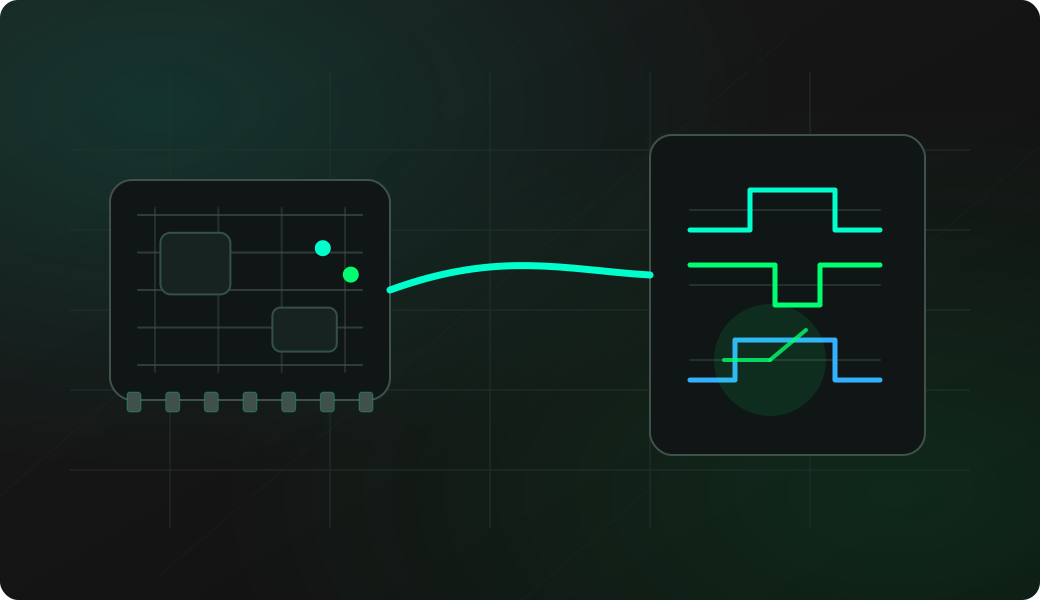
Wiring View
Commands
These commands are documented as global or quick-start commands.
Result
What it means
If the command returns the expected output, the firmware and terminal session are ready for the next workflow.
Troubleshooting
- Use an ADC-capable GPIO.
- Share ground with the target.
- If readings are noisy, shorten wires or add proper conditioning.
Analog GPIO display FAQ
Which pins can be used for analog display?
Use GPIOs that are ADC-capable on the selected board and are actually exposed. Board-specific pinout matters more than generic ESP32 pin lists.
Why are analog readings noisy or unstable?
Noise can come from floating inputs, long wires, weak source impedance, power ripple or missing ground reference. Start with a known stable voltage before trusting an unknown signal.
Is analogic a calibrated voltmeter?
No. Treat it as a quick display-side indicator. For exact voltage, calibration, bandwidth or safety-critical measurement, use proper measurement equipment.