Wiring View
Commands
These commands are documented as global or quick-start commands.
Result
What it means
If the command returns the expected output, the firmware and terminal session are ready for the next workflow.
Troubleshooting
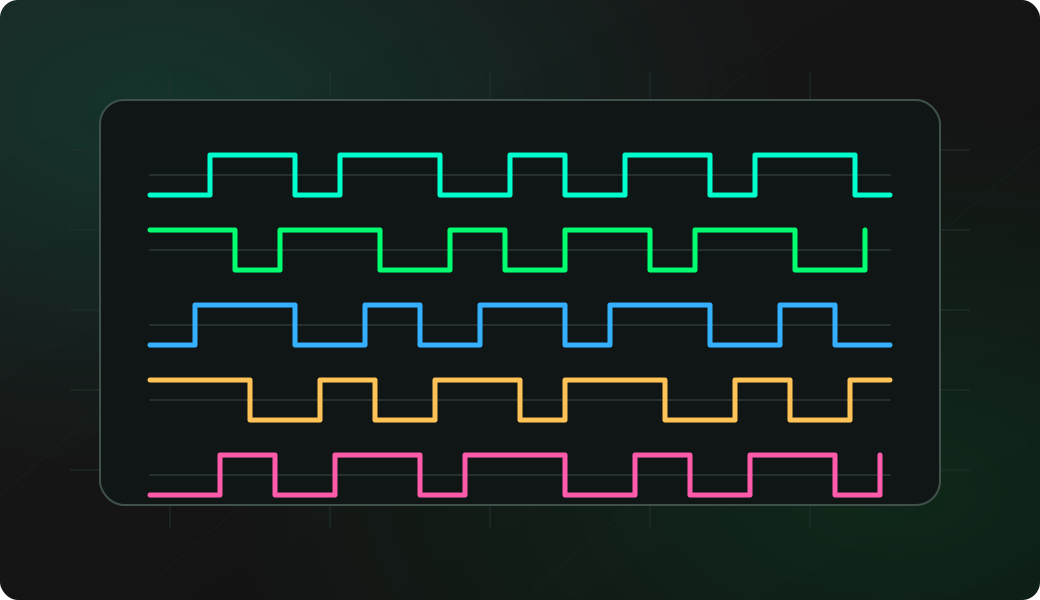
- If the screen stays flat, trigger activity on the target.
- Use the SUMP logic analyzer recipe for deeper capture.
- Check the selected GPIO number.
On-device logic trace FAQ
When is the on-device logic view enough?
Use it for a quick visual check that one GPIO is changing while you are at the bench. It is ideal before deciding whether a deeper capture is worth setting up.
What does the on-device logic view optimize for?
It optimizes for quick visual checks directly on supported hardware. Use it to spot activity or idle lines before moving to longer host-side captures.
When should I use the SUMP logic analyzer instead?
Use the SUMP logic analyzer when you need multiple channels, larger captures, timing inspection in PulseView, or evidence that can be saved and shared.