Commands
These commands are documented as global or quick-start commands.
Result
What it means
If the command returns the expected output, the firmware and terminal session are ready for the next workflow.
Troubleshooting
- Check I2S output configuration.
- Try a signal known to toggle first.
- Use
wizardorlogicif audio output is not available.
GPIO listen FAQ
What is the point of listening to GPIO activity?
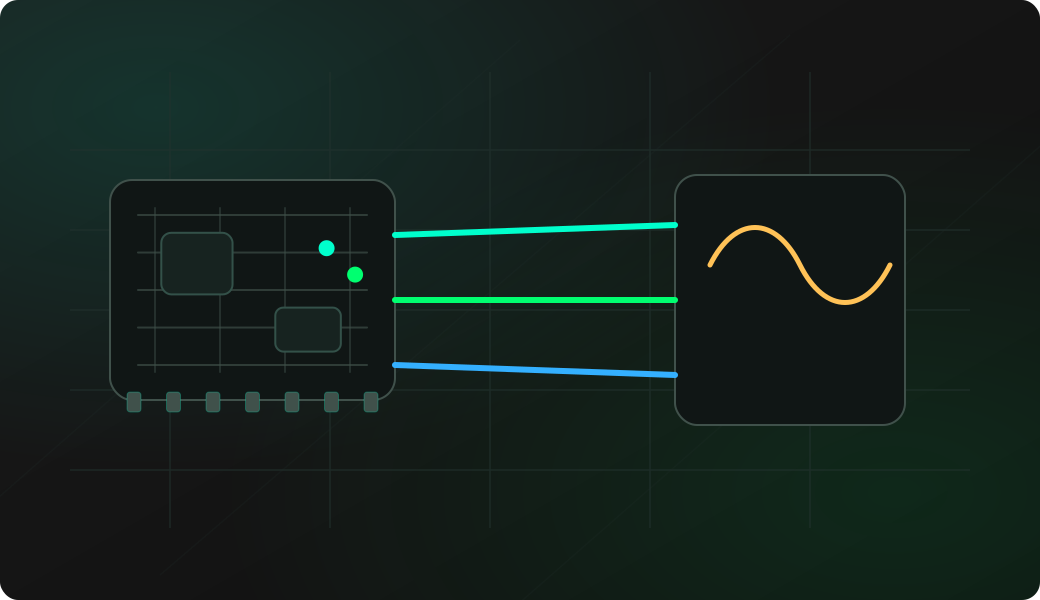
Audio makes activity easy to notice while probing or moving wires. It is a quick presence check for toggling signals, not a precise timing measurement.
Why do I hear nothing even though the signal is active?
The I2S audio output may not be configured, the signal may be too slow or too fast to be useful audibly, or the selected GPIO may not be the active line.
What should I use when audio is not enough?
Use wizard, DIO sniff, the on-device logic view or the SUMP logic analyzer depending on how much timing detail you need.